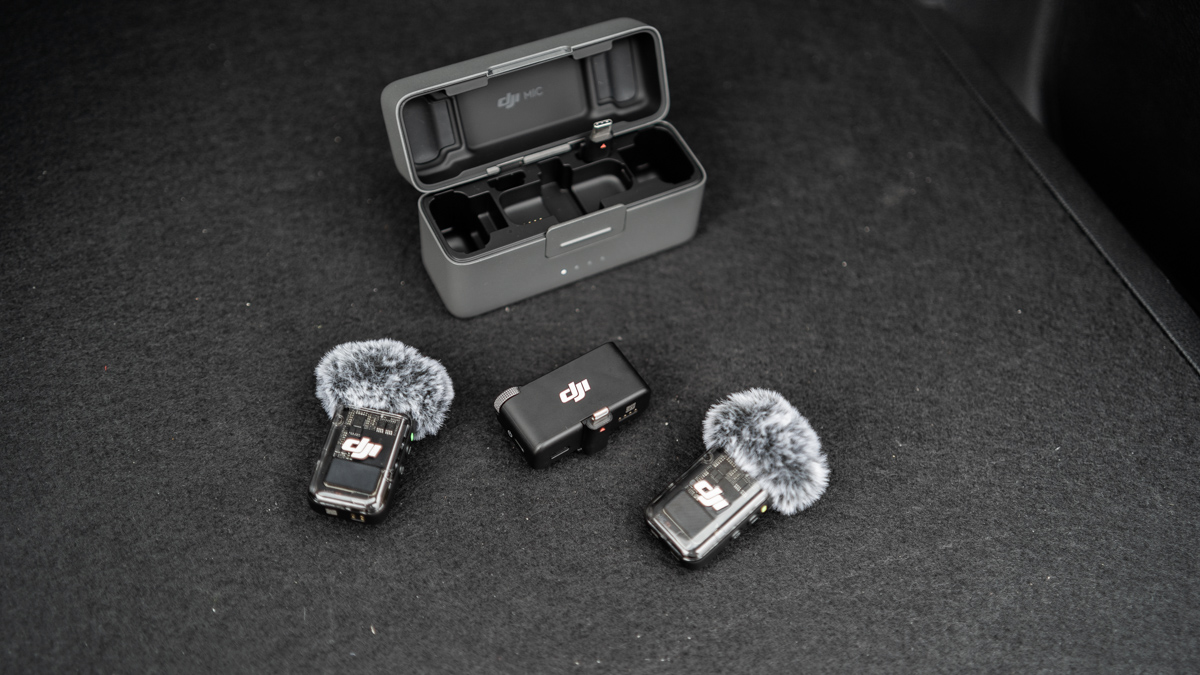
Microphones are essential in our line of work. Over the years that we’ve been producing content, we’ve already tried a few from different brands. One that stood out in particular was DJI’s wireless mics.
We’ve been using our Mic 1 for a while now, but as with any first-generation model, it had its issues. Quite a few, actually. Recently, we were able to get our hands on that unit’s successor, the DJI Mic 2. With this second iteration, DJI has addressed a lot of user concerns and has come up with an almost flawless product. Here, we’ll discuss what’s new in the DJI Mic 2 and why it’s supposedly ‘perfect-but-not-quite.’
OTHER STORIES YOU MIGHT HAVE MISSED:
High mile club: This Honda Jazz has clocked in about 880,000km in seven years
Review: 2024 Ford Territory Sport
DJI Mic 2: What’s new
1) The charging case
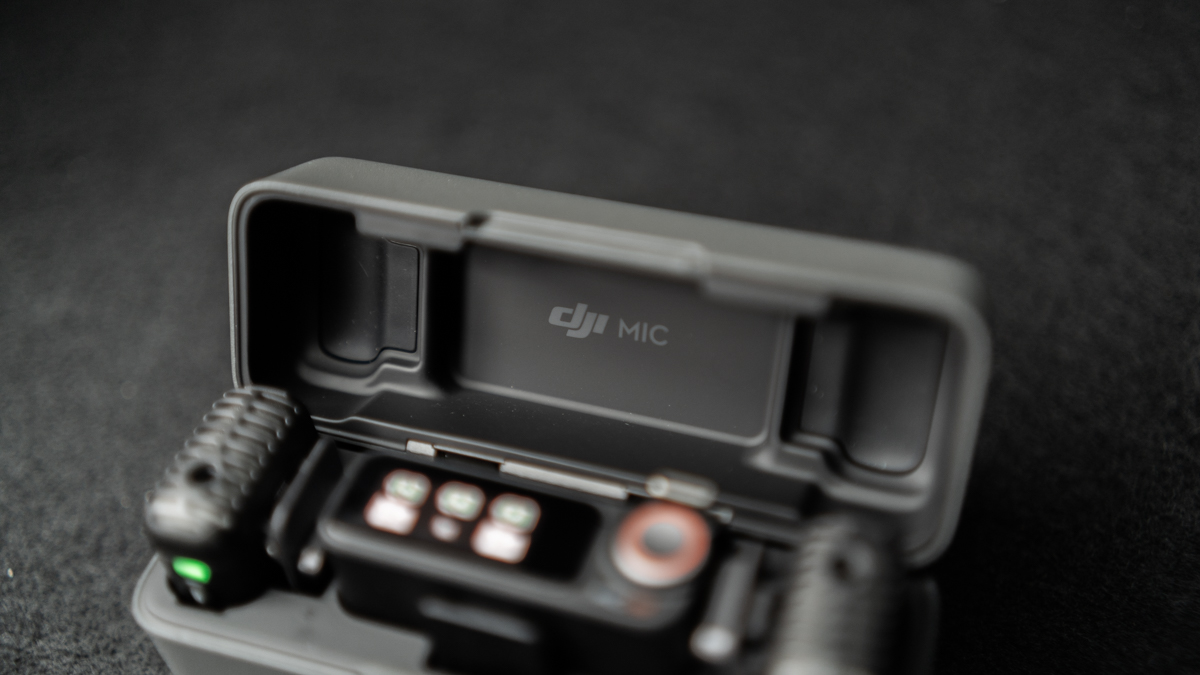
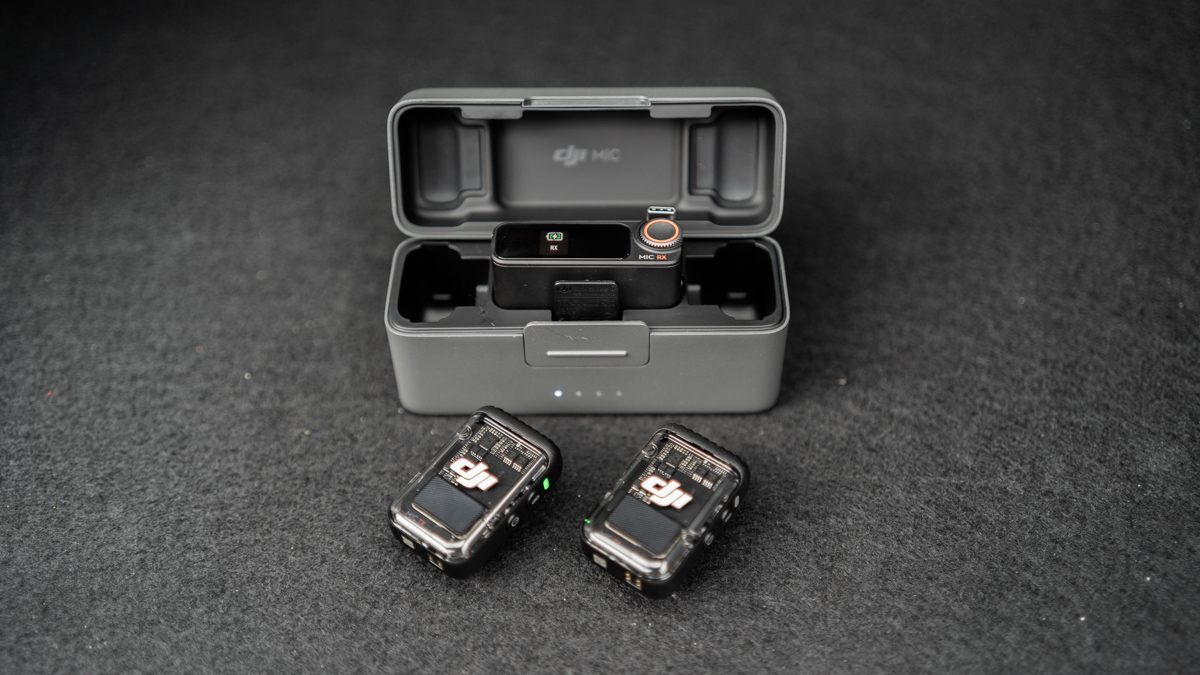
DJI has designed a new charging case for the Mic 2, and it’s arguably one of my favorite parts of the package. The build quality is excellent, and it just feels very sturdy and nice to the touch. The charging case houses the two transmitters and the receiver, as well as all the lightning and USB-C dongles.
The best part about the case is that you can store the receiver with a dongle still attached, which means there’s no need to remove and reattach said dongle when storing the unit. This reduces the risk of damage as well as long-term wear and tear.
2) The built-in cold shoe mount
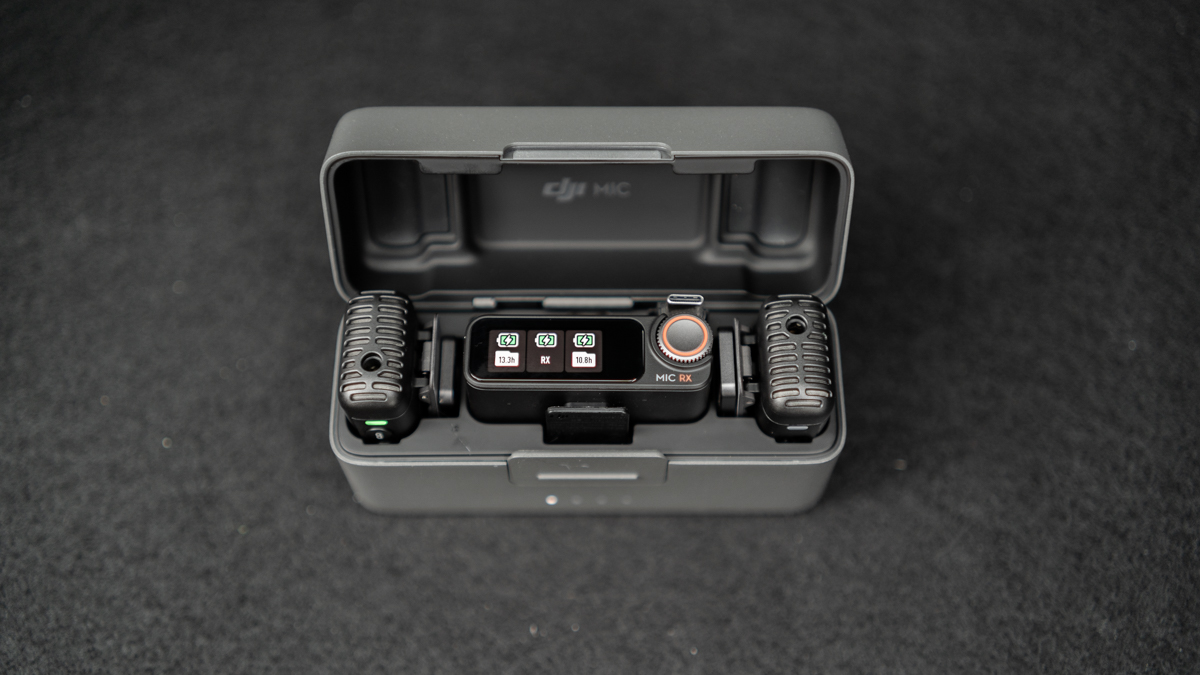
As mentioned, you had to remove and reattach the dongle in the old DJI Mic whenever you had to store it. The problem connected to this one is that the receiver’s hot shoe is also where you attach the cold shoe mount that you’ll need when attaching the receiver to a camera or, say, a tripod. In our old DJI Mic, we’ve broken two lightning dongles and one cold shoe mount, and these days we resort to MacGyver-ing the receiver whenever we need
In the DJI Mic 2, the receiver’s cold shoe mount is now its own thing and is unremovable. It also looks a lot sturdier than before. And most important, it also fits just right into the charging case, so you can store the receiver with both the cold shoe mount and the dongle intact.
3) The dead cat
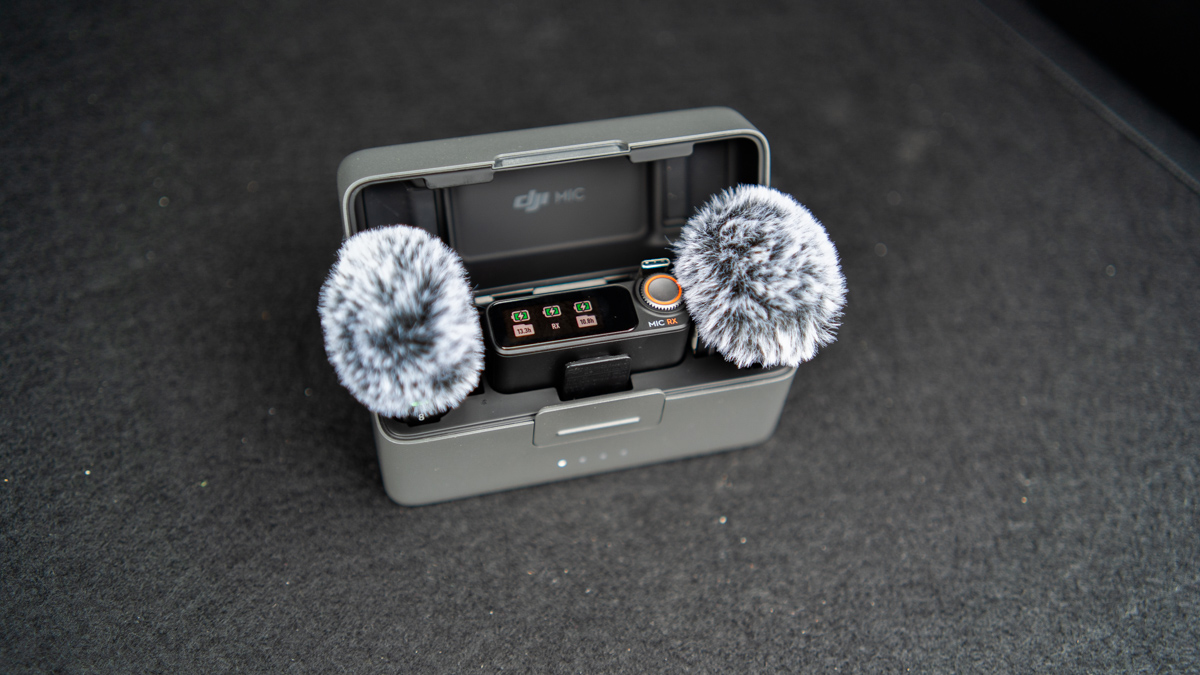
We didn’t just break our dongles and mounts on the Mic 1—we lost a dead cat, too. That fluffy thing can be a bit loose. In the Mic 2, DJI has switched to a more user-friendly and fool-proof design, and it’s more secure than before. Feels fluffier, too, if that even matters to you.
4) Noise-cancellation features
The DJI Mic 2 now comes with noise cancellation that can be toggled on and off easily via the receiver. It’s pretty darn good, and we’ve found it very helpful in loud environments. If you try looking at YouTube videos online, you’ll be able to see how well the voice isolation works and how much it reduces ambient noise.
5) Connectivity with Osmo Pocket 3 and Osmo Action 4
The DJI Mic 2 now has Bluetooth connectivity and can now be paired seamlessly with the Osmo Pocket 3 and Osmo Action 4. We don’t use an Action 4, but we do have a Pocket 3, and we’ve been able to use the Mic 2 as a second transmitter for the Pocket, since our unit came with a receiver of its own.
The Mic 2 can also be used to start and stop the recording of these Osmo devices with just the click of a button on the transmitter, which is pretty nifty when you’re shooting alone. In our case, when we’re shooting spiels behind the wheel.
6) The magnet
It’s used in the same way as before, but it’s stronger than ever. So strong, in fact, that sometimes when you try to detach it along with the transmitter, you’ll only take out the latter and leave the magnet still stuck to whichever metal surface you attached it to.
Oh, the magnet can also be stored in the charging case along with the transmitter. That’s also pretty cool.
7) The knob on the receiver
There’s a new knob on the receiver to navigate the menu on the small display. This one’s not really that important to me, but some people might find it helpful.
8) 32-bit float recording
I’m no professional, so this one doesn’t really matter much to me. But to put it simply, the 32-bit float audio allow for more flexibility in post, so if you need to tinker with your recordings, then this should be a good bonus.
DJI Mic 2: The flaws
1) The dead cat can’t be stored in the charging case
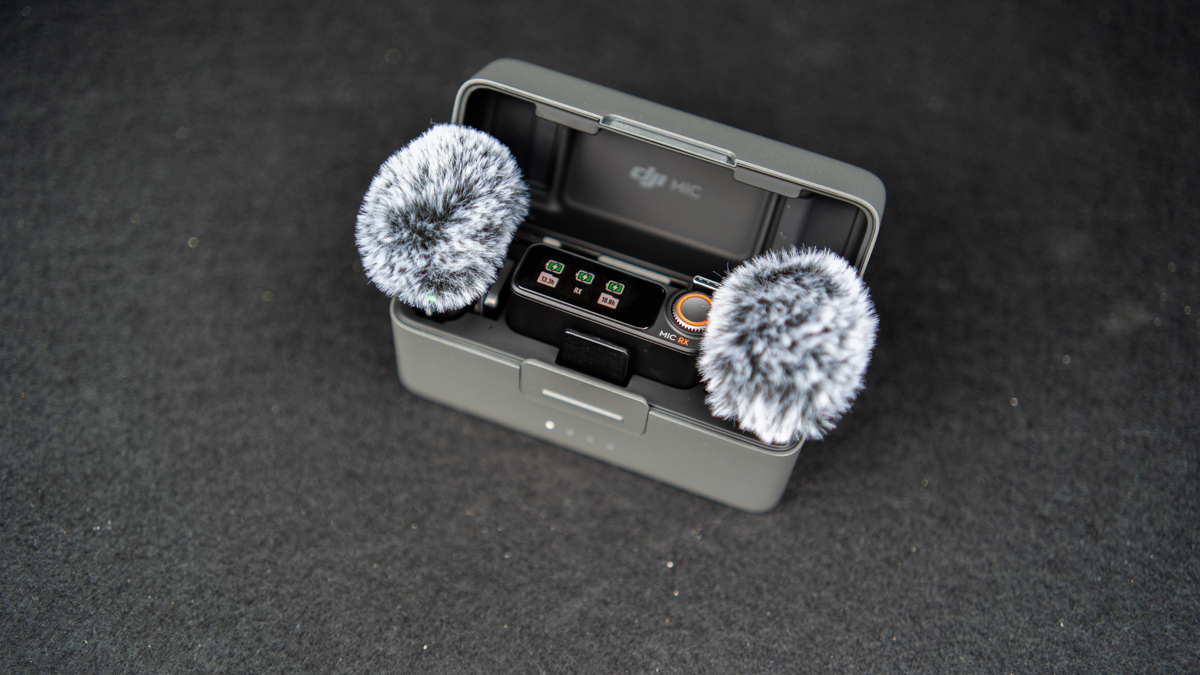
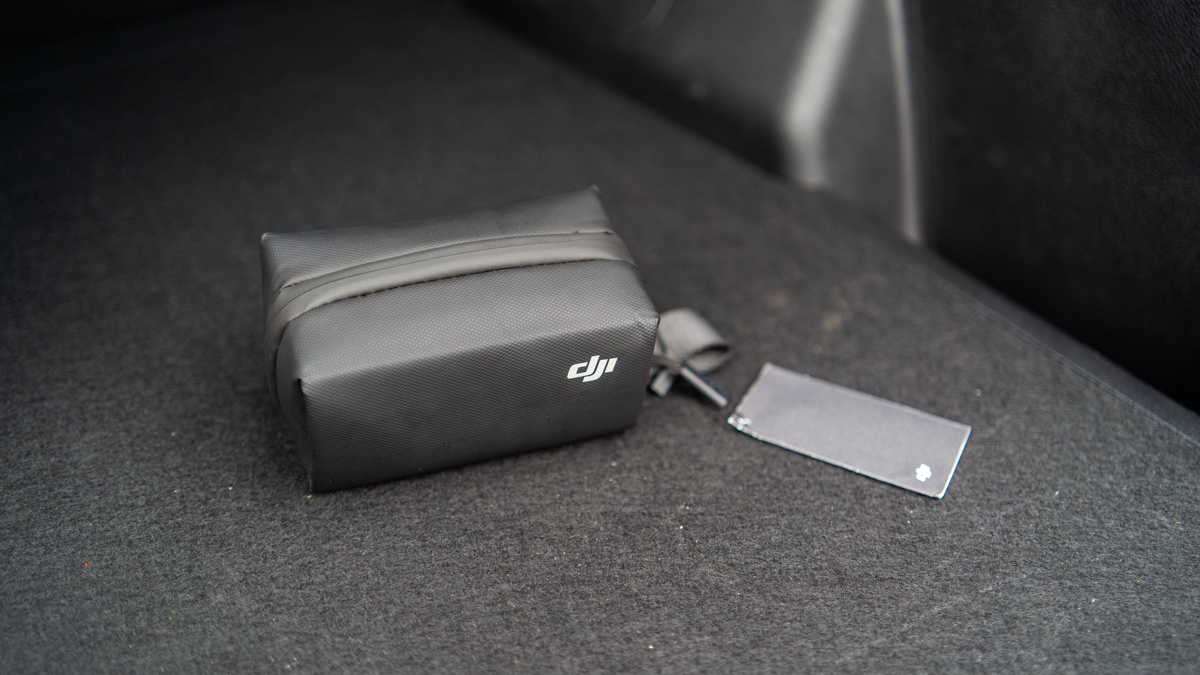
The DJI Mic 2 comes in a pouch where you can store the charging case, cables, and other small accessories. You have the option to just bring the case with you and leave the pouch at home so it’ll be less bulky to bring, but the problem is that the dead cat doesn’t fit inside the charging case. And more often than not, we need that dead cat for our shoots. Ultimately, we always just end up bringing the entire pouch with us. It’s just a small nitpick, though—I only complain about it because I try to keep my backpack as light as possible when I’m out and about.
2) That’s it
Frankly, that’s the only design flaw I can think of. That’s why I said the DJI Mic 2 is ‘almost’ perfect. And in case you were wondering, the price tag isn’t an issue here for me. The Mic 2 is available for P19,000 in the Philippines, making it about P5,000 or so more expensive than its predecessor. That price jump’s totally worth it considering how much better the Mic 2 has become.