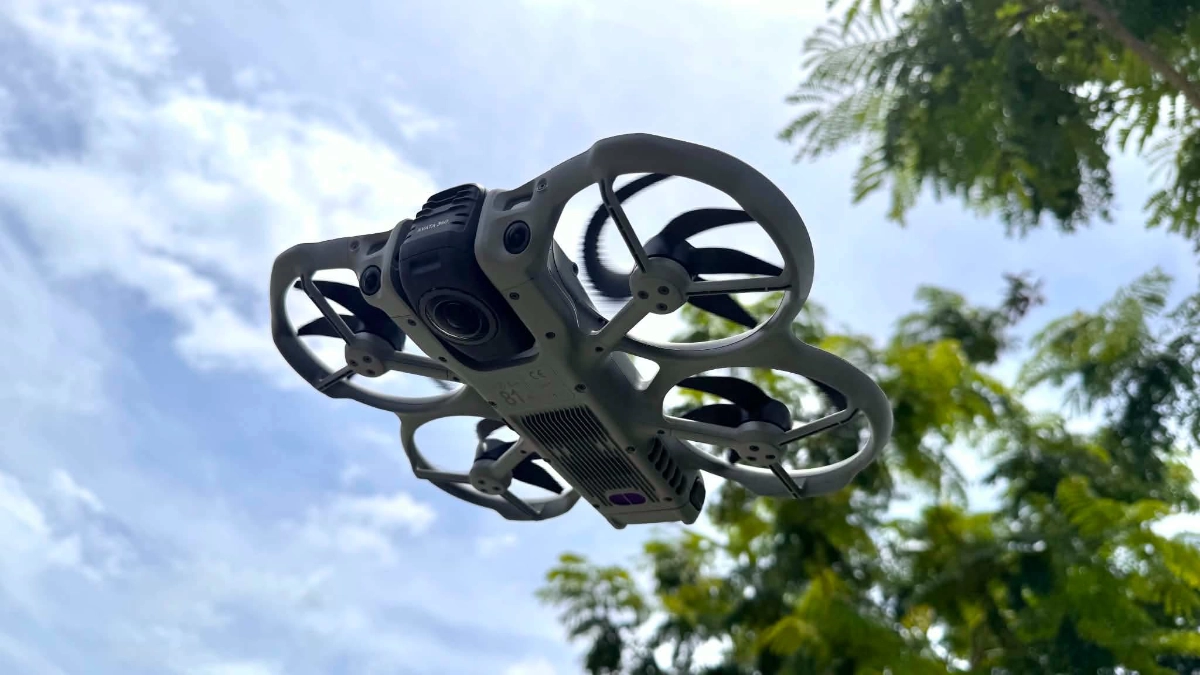
For an automotive publication that shoots cars almost every week, having a drone in the Top Gear Philippines arsenal should be a no-brainer. Picture it in your head: An aerial shot of a sports car carving through mountain roads, or your favorite SUV driving into the sunset. Drones are capable of capturing cinematic footage that ground-level cameras simply can’t replicate. Actually, we always bring drones to our shoots—it’s just that we rarely ever use them.
Most of our shoots are handled by a single videographer, which means one person is responsible for the camera, gimbal, tripod, microphones, and everything else needed to produce a video. Adding a drone to that workflow means stopping the shoot, finding a safe place to take off and land, planning a flight path, and then packing everything up again—all for a few seconds of footage that may or may not make the final cut. The results are usually worth it, but not for the extra effort that it demands from our solo videographer.
That’s why I wasn’t particularly excited when the DJI Avata 360 landed on my desk. After spending a couple of weeks with it, though, I began to understand what DJI was trying to achieve with it. More importantly, I realized this wasn’t just another gimmicky 360 camera strapped to a drone—it actually solved a problem I deal with on almost every shoot.
Build Quality
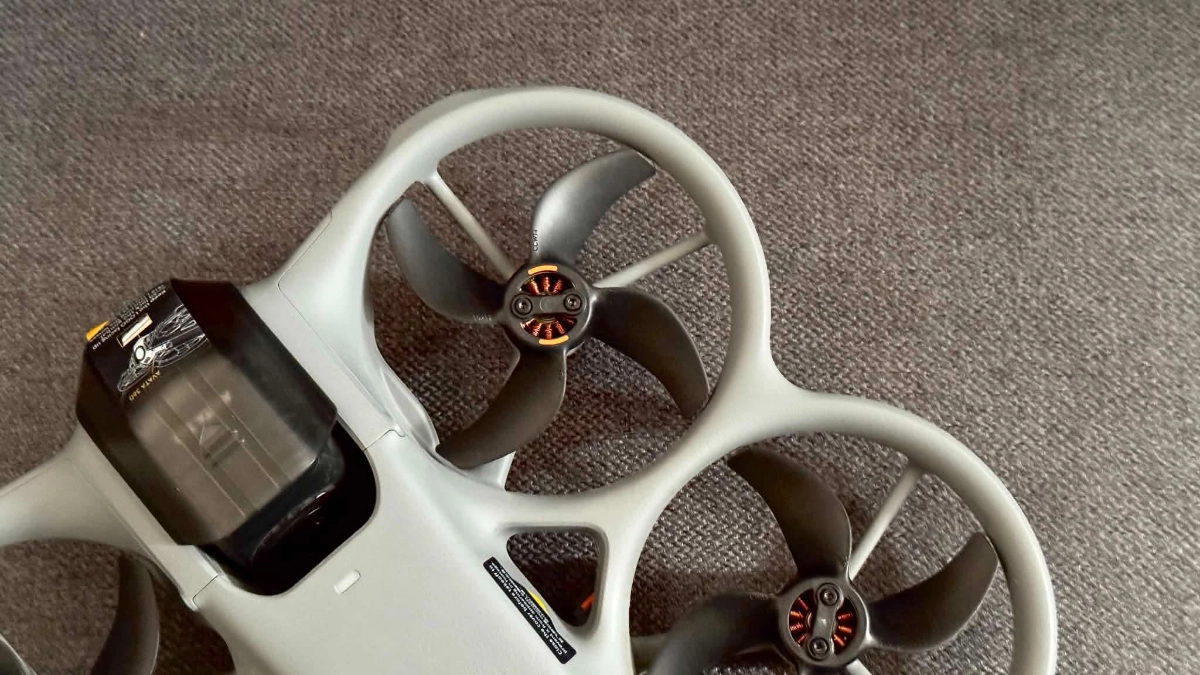
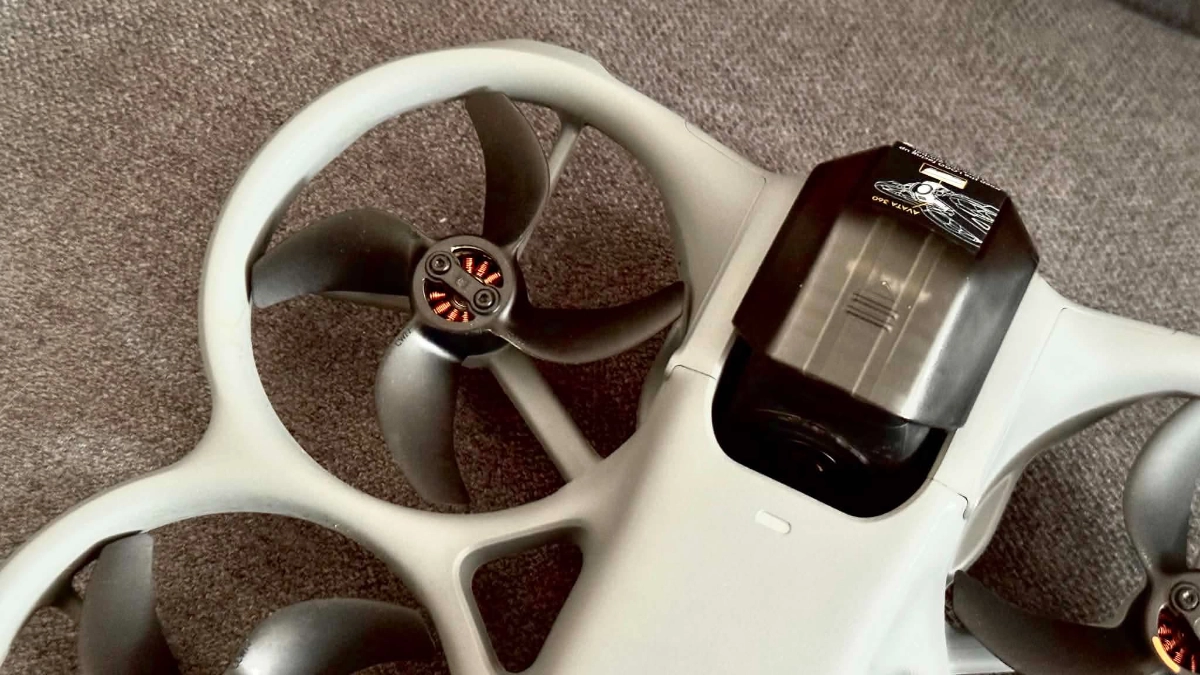
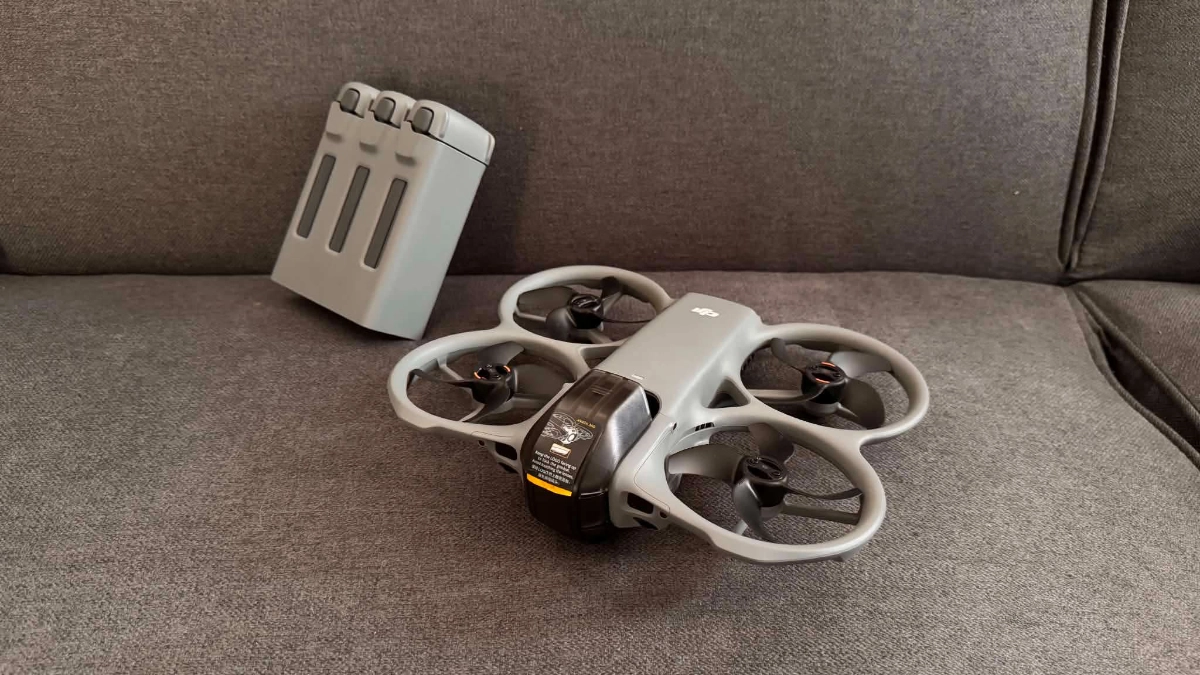
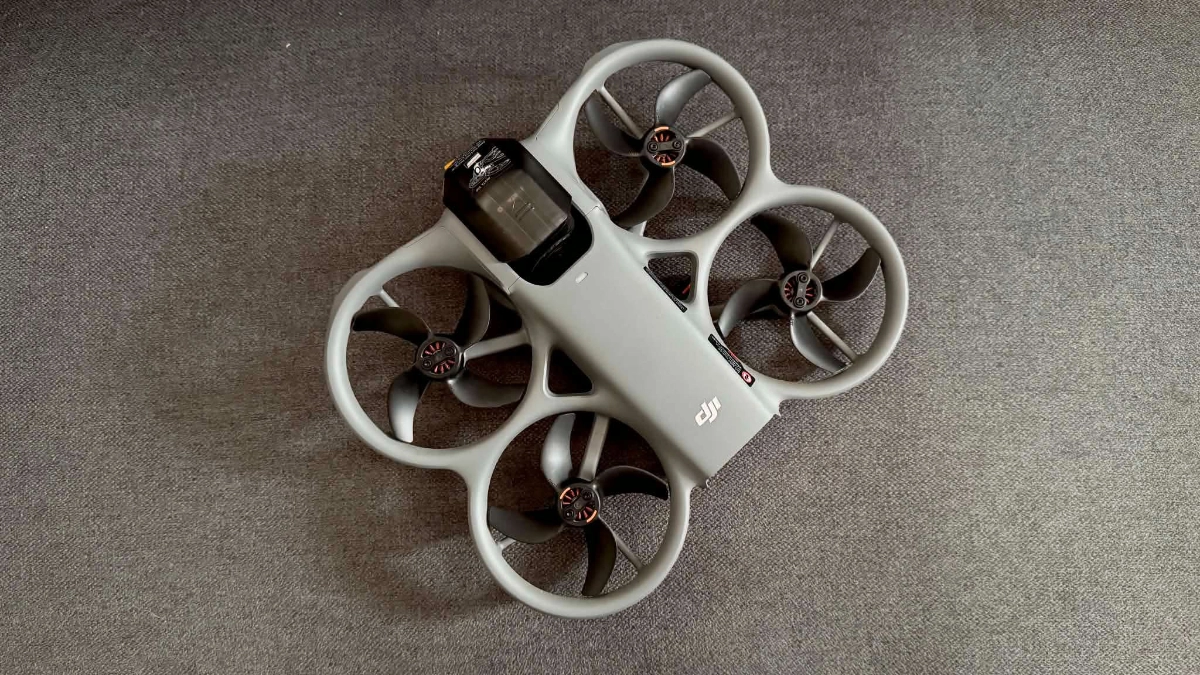
Right out of the box, there’s no arguing about the Avata 360’s build quality. At 455g, it’s noticeably heavier than most of the drones I’ve flown. A good chunk of that weight comes from the 2,700mAh battery, which delivers around 15 to 20 minutes of flight time. The rest comes from its rugged construction, particularly the integrated propeller guards that wrap around the rotors. Besides protecting the props, they also encourage you to fly a little more aggressively, especially in tighter spaces where you’d normally hesitate with a conventional drone.
Overall, the Avata 360 feels very solid and compact. It doesn’t have the delicate, almost toy-like feel of some lightweight drones. Instead, it feels like a high quality tool that’s designed for real-world wear and tear. As you’ll read later below, I have no doubt it can take a few knocks and keep flying after my time with it.
OTHER STORIES YOU MIGHT HAVE MISSED:
Hot gear: The DJI Osmo Pocket 4P starts at P37,790 in PH
Hot gear: The DJI Power 1000 Mini has something for everyone
Flying
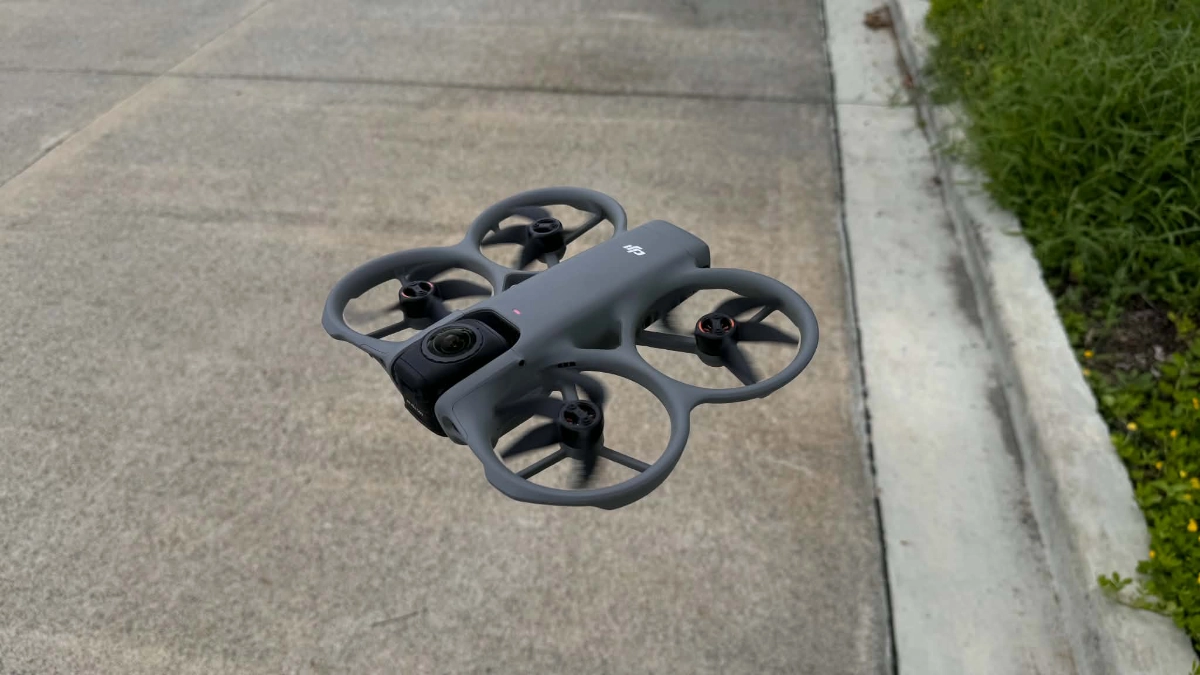
The moment the Avata 360 took off, one thing immediately stood out: How planted it felt in the air. Despite its relatively compact size, it handled windy conditions well and never felt like it was being tossed around. More importantly for our line of work, it had no trouble keeping up with the cars we were filming.
For most of my time with the drone, I kept it in Normal mode. It’s more than quick enough for tracking shots while giving you a larger safety net, especially when you’re flying close to moving vehicles. And thank God I kept using it in Normal mode.
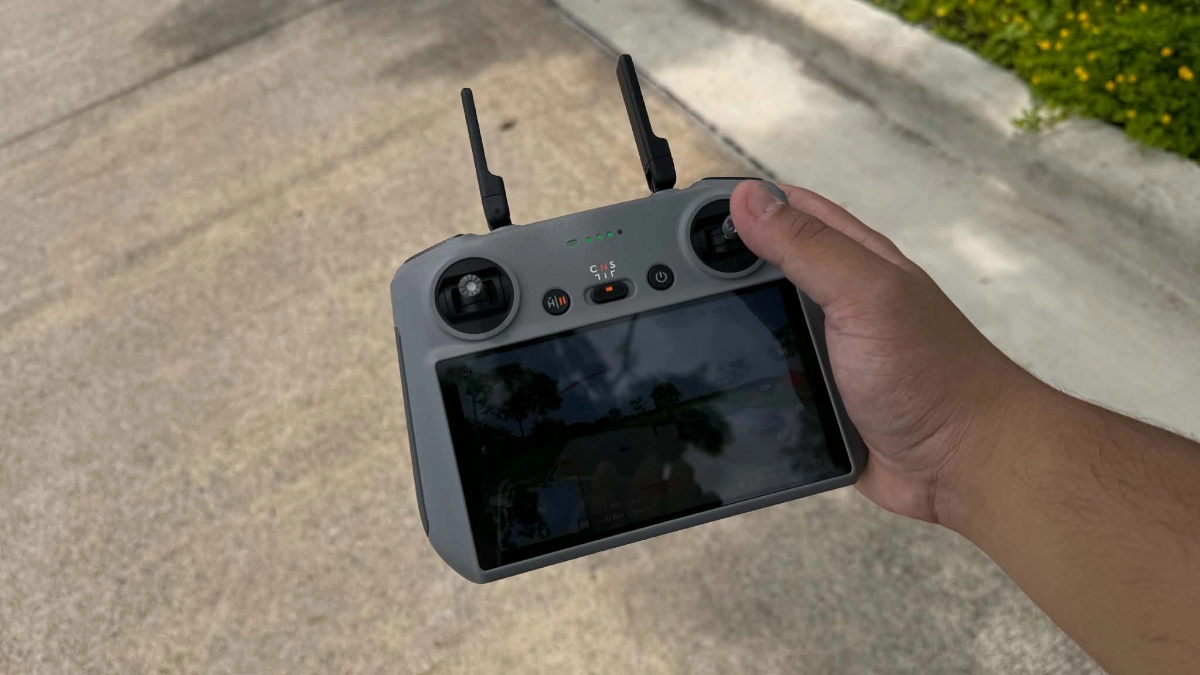
During one shoot, I was following a car along a line of trees when I noticed the drone making a few unexpected corrections. I initially thought it was a glitch, but after reviewing the footage, I realized I had unknowingly flown straight toward tree branches several times. Each time, the Avata 360 automatically adjusted its flight path and avoided the obstacles. For someone who’s not an FPV expert, that extra layer of protection inspires confidence. It lets you focus more on getting the shot and less on worrying about crashing.
I tried Sport mode for a bit to see what it was capable of, and admittedly, it’s a bit too sporty for my skill level. It can climb at up to 10m/s and reach horizontal speeds of 18m/s—not quite in the same league as dedicated, hand-built FPV drones, but those machines cost considerably more, and require a much steeper learning curve. All in all, flying the drone in Sport is challenging, especially when having to avoid obstacles.
So the Avata 360 flies well, but can it frame the subject properly?
At first, I had a hard time keeping the car perfectly framed—just like I would with any other drone. Then I remembered what the 360 camera is for. Instead of worrying whether your subject is centered in the shot, you simply focus on flying a smooth, safe flight path. The camera records everything it, and you can decide on the composition later during editing. It takes a few flights to break the habit, but once it clicks, it’s surprisingly easy to do. You’re no longer splitting your attention between piloting and framing—you just concentrate on following the subject, knowing you can choose the best angle afterward.
Image Quality
Of course, we’re not here just to fly the drone like R/C aircraft. We’re here to shoot footage; how does the image quality of Avata 360 held up to my expectations?
I’ve never been completely sold on the whole “shoot first, reframe later” philosophy. Previous 360 cameras I’ve used required too many compromises, particularly when it came to image quality. The flexibility was impressive, but the footage often lacked the detail and clarity I wanted, making the convenience hard to justify.
But with the Avata 360, I was surprised when I watched the footage.
Thanks to its dual 1/1.1-inch square sensors that record 8K/60fps HDR 360-degree video, the footage coming out of the Avata 360 is sharp and vibrant. Of course, you’re still cropping into an 8K spherical image when exporting a standard video, but the final results look more than good enough for professional social media content and YouTube. Dynamic range is also impressive, especially when shooting in D-Log M, which is fairly easy to color grade. The 360-degree footage still isn’t as crisp as other drones I’ve used, but it’s decent enough for viewers watching on smartphones.
Editing
Like I said earlier, the one thing that holds me back from using 360 cameras is the trouble you run into during editing. The creative possibilities are endless, but that flexibility usually comes at the cost of a much longer editing process compared to working with a standard fixed-angle clip.
I first tried editing on my phone. Browsing and reframing the footage was smooth enough, but the app kept crashing whenever I tried to export. It also made my phone extremely hot. That could simply be user error, or maybe I’m just not built for mobile editing.
The Mac software was a much better experience. The interface was similar to the mobile app, but everything felt smoother and more responsive. Reframing, color grading, and navigating the timeline were all intuitive, and I was up and running within minutes. I also appreciated the built-in camera movements and effects, which made it easy to create dynamic-looking shots without spending hours keyframing. Export times were noticeably quicker, too.
If you’re planning to get the most out of the Avata 360, I would recommend editing on a computer. In my experience, it made the entire workflow much faster and far less frustrating.
Conclusion
I initially thought the DJI Avata 360 would be too much of a gimmick to be actually useful for our shoots. Instead, I found a drone that fit well in our workflow, making more dynamic shots possible. It’s still extra work to take off, fly, shoot, and edit, but this time I think it’s worth it. Image quality still isn’t as nice as the newer models from DJI, but that’s a fair tradeoff for the flexibility it offers.
I can actually see the team flying the Avata 360 during our shoots—more often than the rest of the drones in our fleet, anyway. And coming from someone who would usually leave the drones in the car, that’s the highest praise I can give.