As one of the big three—well, big two, after the US ban on Huawei—Samsung strives to maintain market leadership in the mobile sphere. Innovating and investing in everything from mobiles to wearables to tablets. And while Apple’s iPad is still the market leader in tablets, I struggle to find anything that the iPad Pro does better than this all new Galaxy Tab S9 Ultra. It feels—well—Ultra; bigger, better, faster and more versatile than any other tablet on the market. This tablet is so good, in fact, it makes a great case for never buying another laptop. Or desktop. Or TV. Or anything else, really.
Styling
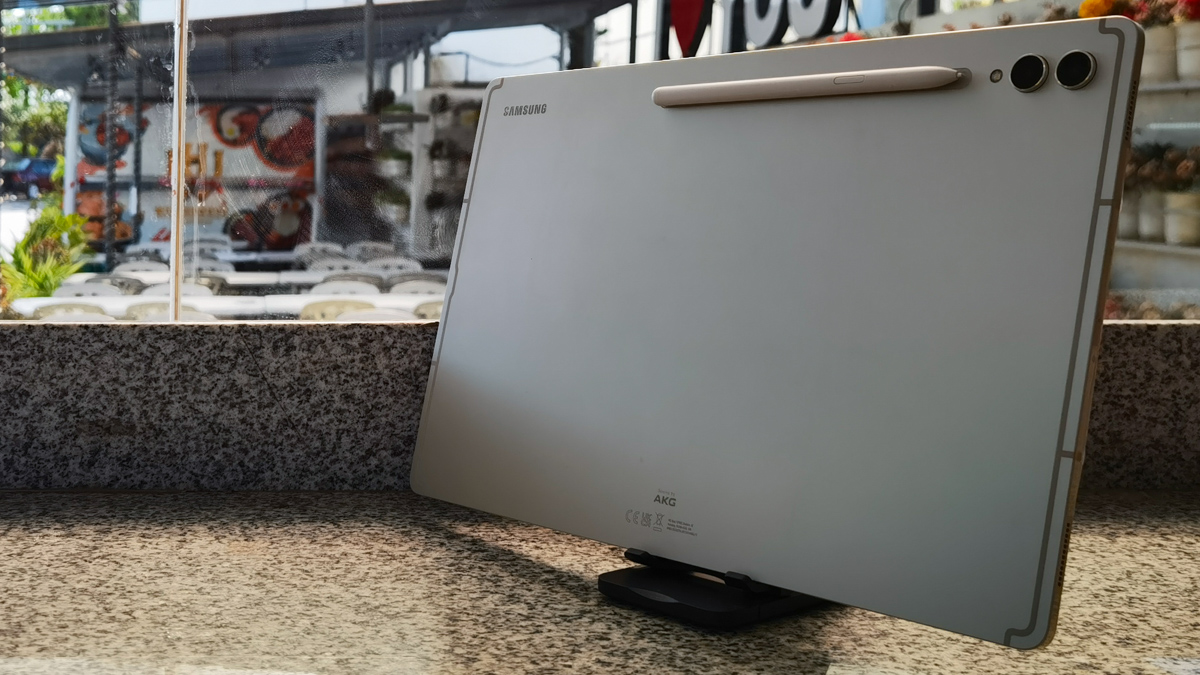
The main reason the S9 Ultra makes a credible laptop replacement is simply because it’s so damn big. Where rivals like the iPad Pro and Huawei MatePad Pro feature 13-inch diagonals, this tablet is 14.6inch across. Just a smidge smaller than the portable monitor I use for my mobile office. And at just 5.5mm in thickness, it’s half the thickness of most phones. One might worry that the extreme size and thinness of the tablet would be a handicap, but a sturdy aluminum frame, a giant Gorilla Glass screen and IP68-level water and dust resistance make this a surprisingly survivable device. So yes, you can finally take your tablet swimming. But no, it’s probably not a good idea, anyway.
Not much has changed in terms of looks versus the S8 Ultra. Not that the looks needed any improvement. The back is slick frosted silver—black is also available—with two small cameras sticking out of the top left corner. There’s a notch back there to hold the S-Pen, and speaker grilles and ports on the sides. The top edge features a SIM slot and an extra magnetic mount for the S-Pen. While the overall look is rather simple, it’s attractive. And you will spend most of your time looking at the ginormous 14.6-inch screen, anyway. A gorgeous piece of near-edge-to-edge glass, marred only by a tiny dual camera notch at the top of the screen, which sometimes covers window controls when running DeX, but is otherwise unnoticeable.
Hardware
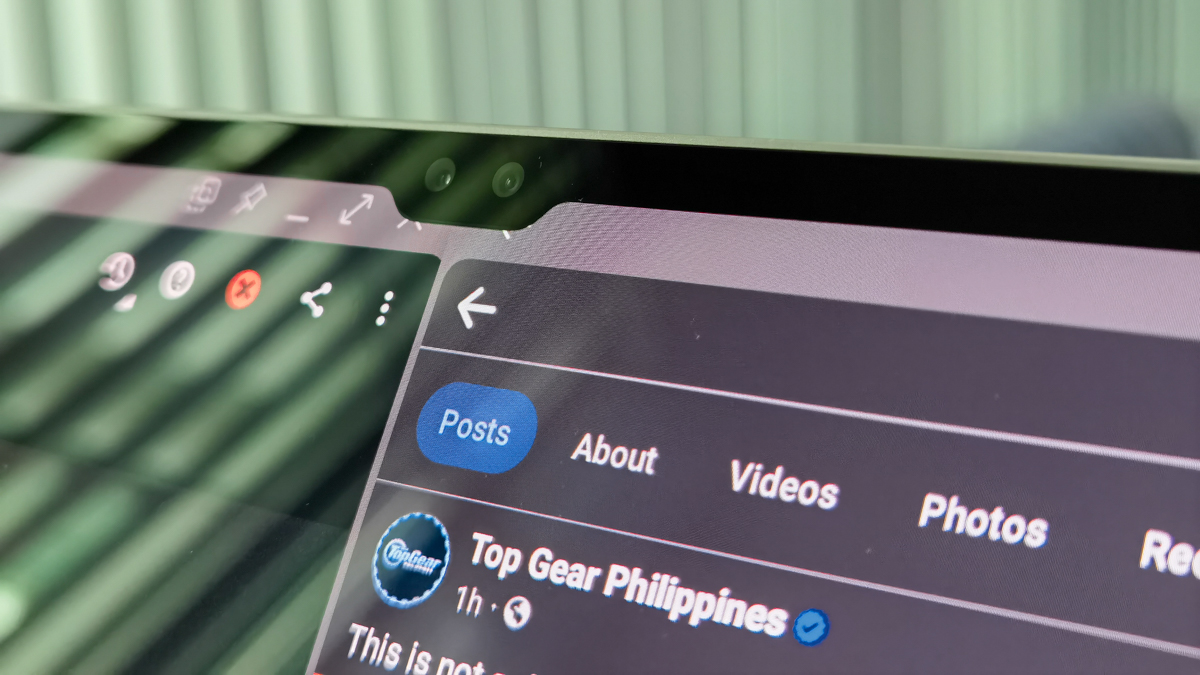
Those front cameras—twin 12MP units—allow face unlock functionality. The cameras on the back are a 13MP wide and an 8MP ultrawide. Nothing really fancy, but that’s about par for a tablet. This is not an easy device to hold up for picture taking, anyway.
It’s great for looking at pictures, though. The giant 120Hz 2X AMOLED screen is fast, responsive and has just a smidge under 4k resolution. It boasts over 1,000nits of brightness in outdoor conditions, supposedly. And if you don’t understand what nits are, trust me, this really is very bright.
The real good stuff is under the hood. A Snapdragon 8 Gen 2 Octa-Core processor—with up to 3.36 GHz single core speed—backed by an Adreno 740 GPU—promises flagship phone level performance without flagship-level overheating, thanks to built-in vapor cooling technology. The tablet still gets hot under heavy use, but not anywhere near as badly as 8Gen equipped phones do.
The Ultra comes in several flavors, starting with the 12GB RAM/256 GB storage model we have here up to an incredible 16GB RAM/1TB storage variant for hardcore mobile-office types. The tablet can also equip up to 1TB of external storage in the MicroSDXC slot, which, along with USB-C 3.2 20GBps data transfer rates, makes this an excellent platform for mobile video editing.
Such hardcore usage tends to use up battery quickly. Thankfully, the gigantic 11,200mAh battery is enough to get you through the workday, or up to twelve to sixteen hours on the road consuming media content. There’s 45 watt fast charging if you ever run out, but this being Samsung, it’s a strictly BYOB—Bring-your-own-Brick—kind of deal. No cable or charger included in the retail package.
Otherwise, the Ultra is a device you can easily set aside for a few days and come back to and find with a decent amount of charge. This not being a phone, there isn’t that constant battery drain from comms running in the background, though this is a SIM capable device, for when you need mobile internet without a hotspot or phone to tether to.
Cameras
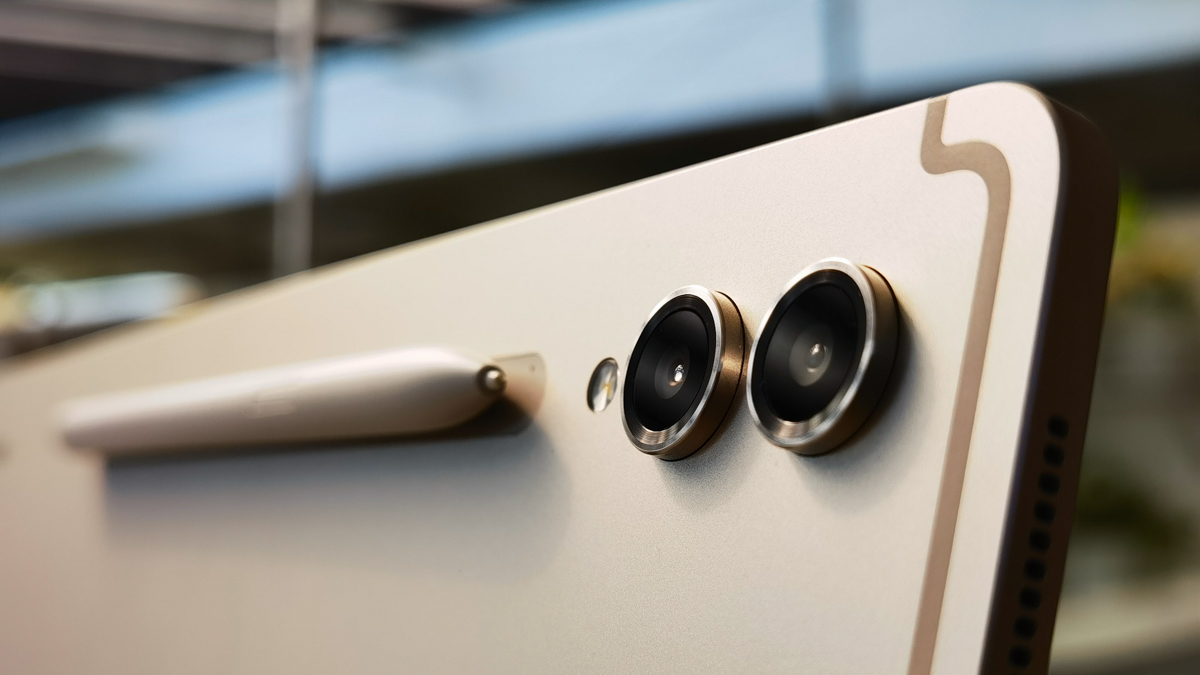
There’s not much to talk about here. None of the four cameras are all that impressive, with the biggest one being the main 13MP shooter on the rear, with a smallish 1/3.4-inch sensor. Even in outdoors shots, there’s a noticeable to finer details and noise in the shadows when you go pixel-peeping. There’s a Pro Mode with limited adjustability—sensitivity caps out at ISO 800!—plus a few other goodies, but Samsung is betting you’re not going to be shooting a lot of content with this.
Still, if you’ve got big hands and aren’t afraid of dropping it, the S9 Ultra does take decent pictures. Output is sharp and vibrant, and the Snapdragon chip allows for excellent HDR and great video processing. Portrait Video, for one, is surprisingly good, with more accurate artificial background blur than the Portrait Photo mode. Don’t expect flagship level detail, but mind the noise levels and the S9 can credibly snap quick pics for your Instagram feed.
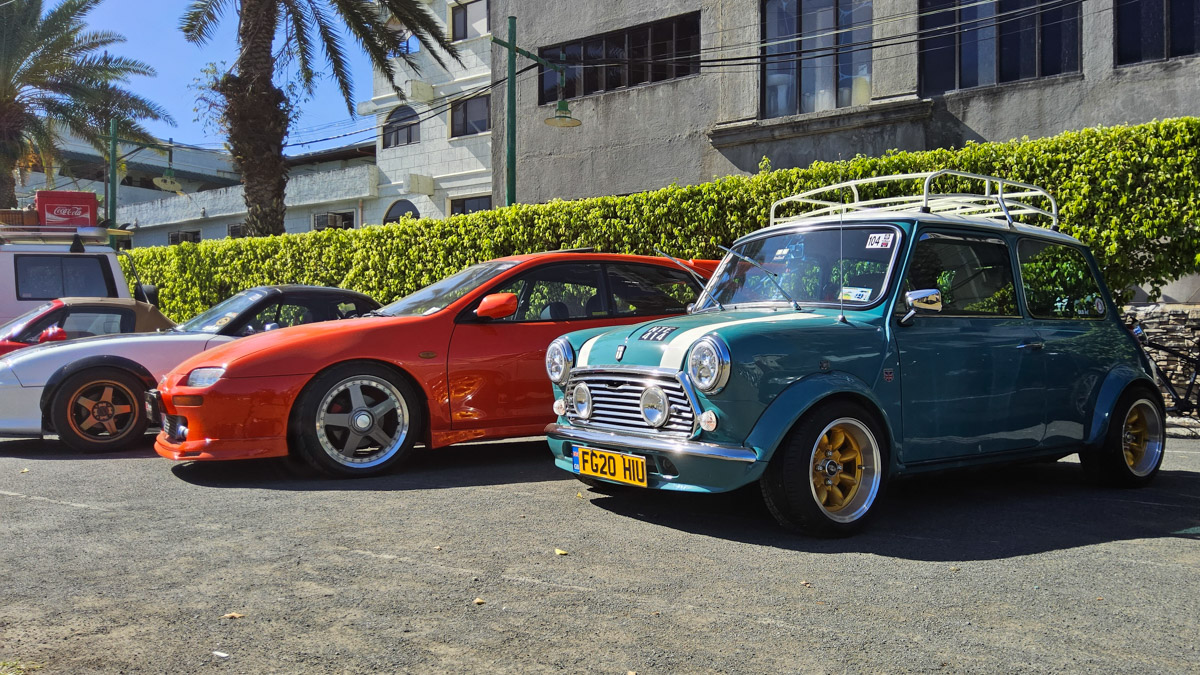
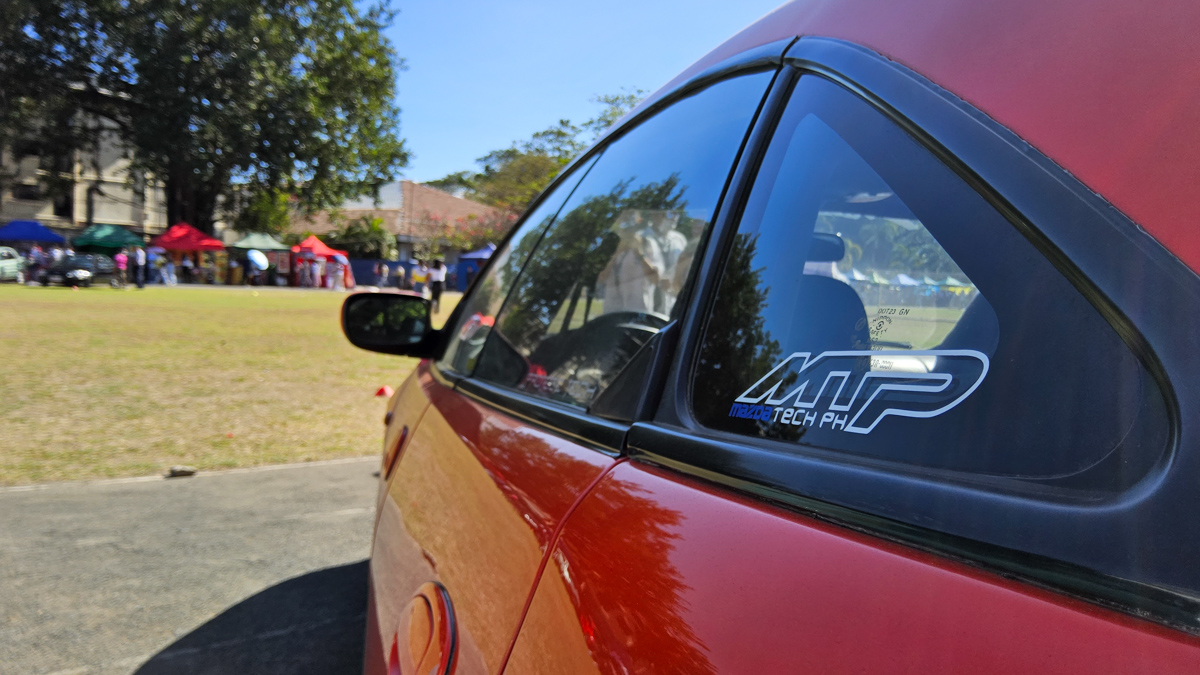
Samsung Galaxy Tab S9 Ultra sample shots:
Software and other features
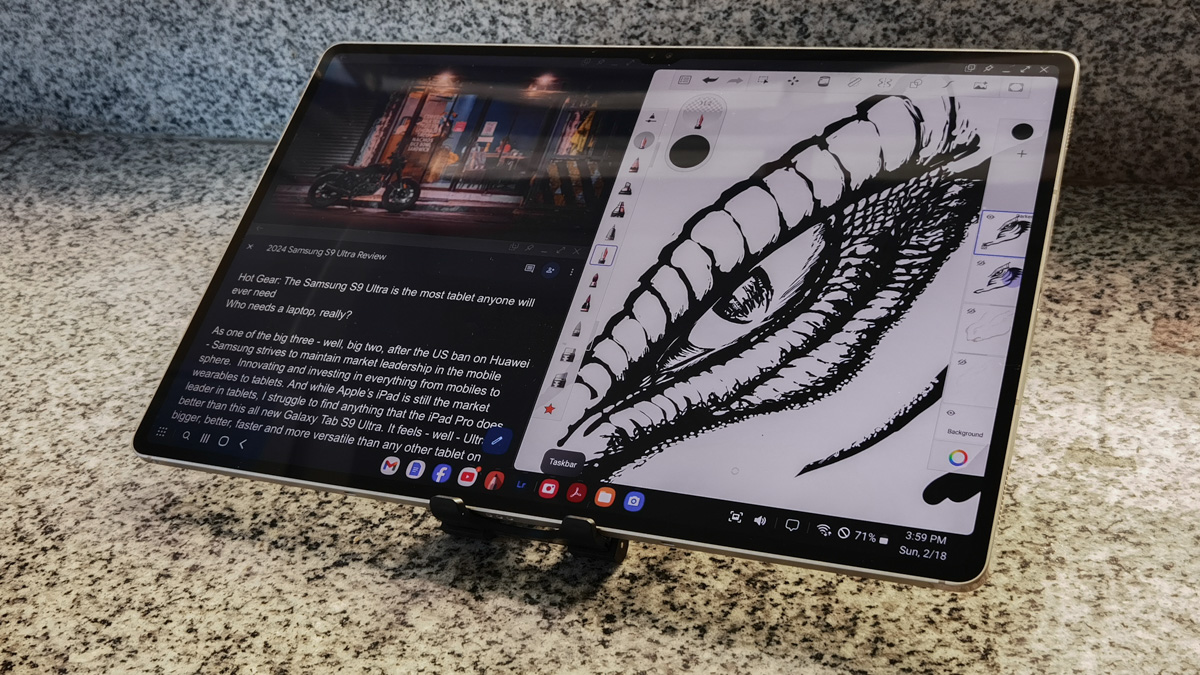
The bigger draw for the S9 Ultra is Samsung Dex. Which gives you the full desktop/laptop experience when hooking the S9 to a mouse and keyboard or to an external monitor. Which sounds fantastic. The S9 is basically an ulatrathin touchscreen computer, right?
Well, yes and no. Dex runs perfectly fine on the tablet alone, but doesn’t allow split-screen display with an external screen. Yes, you can use the S9 as an extension display for your Windows laptop, but when you attach an external display to the tablet, either via USB-C 3.2 HDMI output or with Wireless Dexc, Dex will only display on the second screen. The tablet screen runs a separate mobile workspace and can be switched to touchpad mode—rather awkward on a screen this big—or can simply be turned off. There’s no option for multi-screen drag-and-drop work environments like you might get on a ‘real’ laptop. Instead, you ping-pong between environments changing focus to type or navigate on either screen separately, but every time you want to move your document, presentation or editing app between screens, you have to close and re-open them to transfer.
A minor annoyance, but one you get used to. I’ve been using a similar system on my Huawei for years. And DeX outdoes Huawei by having more intuitive window snapping and a more polished interface. And the speed of that Snapdragon makes it an absolute pleasure to use for massive multitasking.
Set up as a desktop workstation with a mouse and keyboard, you begin to appreciate the S9’s Dolby Atmos quad speakers. They’re great for Zoom/GoogleMeet sessions, presentations, or even impromptu movie screenings. There’s a wide array of equalizer settings to tune the sound, but they’re hidden deep in the Systems Settings submenu. I do wish there was a quick shortcut for them, for media tuning on the fly.
That said, there’s an impressive amount of sound adjustment you can make, allowing you to pick specific external audio devices for some apps—allowing you to stream Spotify, for example to the wireless speakers in the room, while saving your onboard speakers for in-focus video sound and Zoom / Google Meet sessions. There’s even a setting to adjust sound to your specific needs, for those of us with—uh -age-related hearing damage.
The touchscreen is smooth and easy to use, and with the processing power, the UIltra makes a fine gaming device—provided you have long enough fingers to reach the onscreen controls.
I’d be remiss getting this far without talking about the S-Pen. It’s wonderful. IP68 water and dust resistant, with 4096 levels of pressure sensitivity. Lots of functionality. Great for art. And for input. Samsung’s text recognition when using the pen to fill text boxes in search bars and browsers seems almost magical. Granted, even mid-price Android tablets are now getting decent pens with similar capabilities, but Sansung still does this best. And the dock for the pen on the back is easy to use. Just snap the pen on and forget about it. It won’t move or fall off while you work, and it’ll charge in any orientation you stick it in.
You don’t get anything else as standard with the S9 Ultra—charger, book cover and keyboard are purchased separately. The book cover / keyboard combo might be useful for work on the go, but I’d recommend getting a third party unit and a mouse if you don't mind carrying extra. You will definitely want the magnetic book cover, both for the protection it affords and to stand the tablet up for presentations. Holding up something this big and slick for an hour or two can get tiresome.
But just imagine the looks of envy you get while you’re doing it.
Verdict
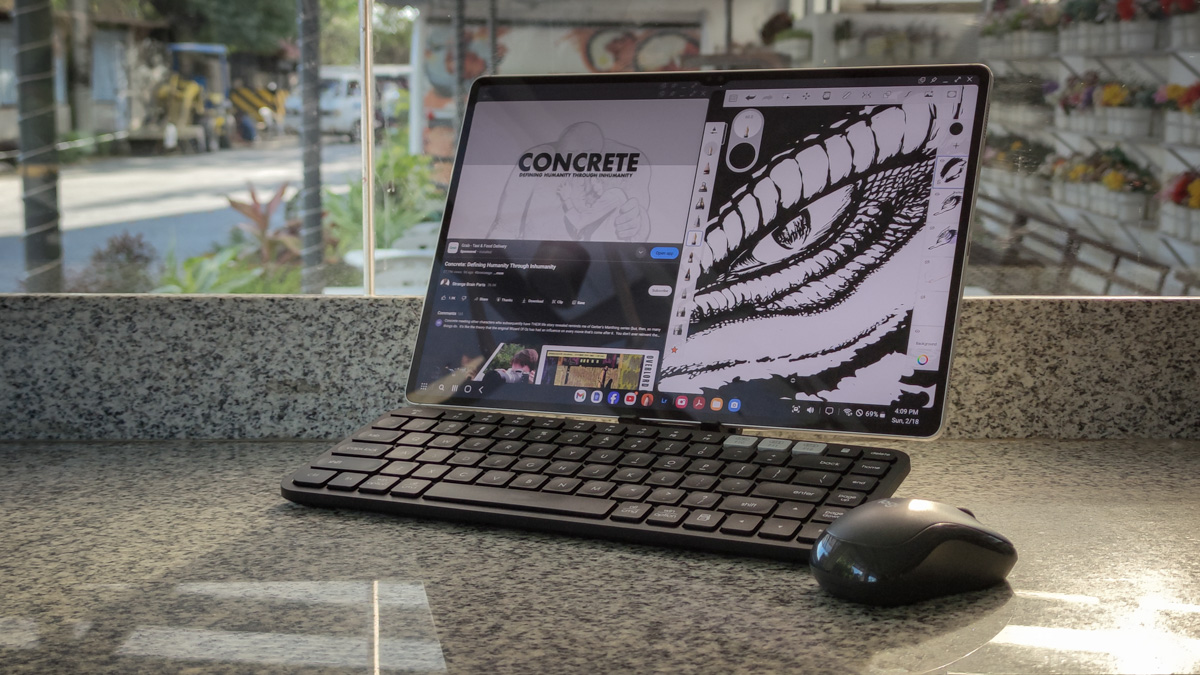
The S9 Ultra has few peers. The iPad Pro and Huawei MatePad Pro boast similar firepower and feature sets, yes, but this is the mother-trucking luxury SUV of the tablet world, sitting comfortably in the same size range as a midsize laptop while weighing as little as a 13-inch tablet. This is a place that Apple is reluctant to go, given the big business it does with its MacBook line. Which is probably also why Apple’s Stage Manager feels so unpolished in comparison to DeX.
Unlike Apple, Samsung is quite comfortable with people viewing its Ultra as a laptop alternative. Admittedly, only a fraction of buyers would ever consider a tablet as a laptop replacement, given you can buy a gaming laptop with decent specs at these prices, but those don’t balance firepower and portability quite like the S9 Ultra. Which is perhaps the best argument for developers to start designing more desktop-style apps—and games—for the Android market.
In the meantime, however, the S9 Ultra serves as the ultimate in tablet one-upmanship. Sure, it may cost a smidge more than the iPad Pro, but you’re getting so much more for your money that it’s hard to argue it isn’t worth every centavo.