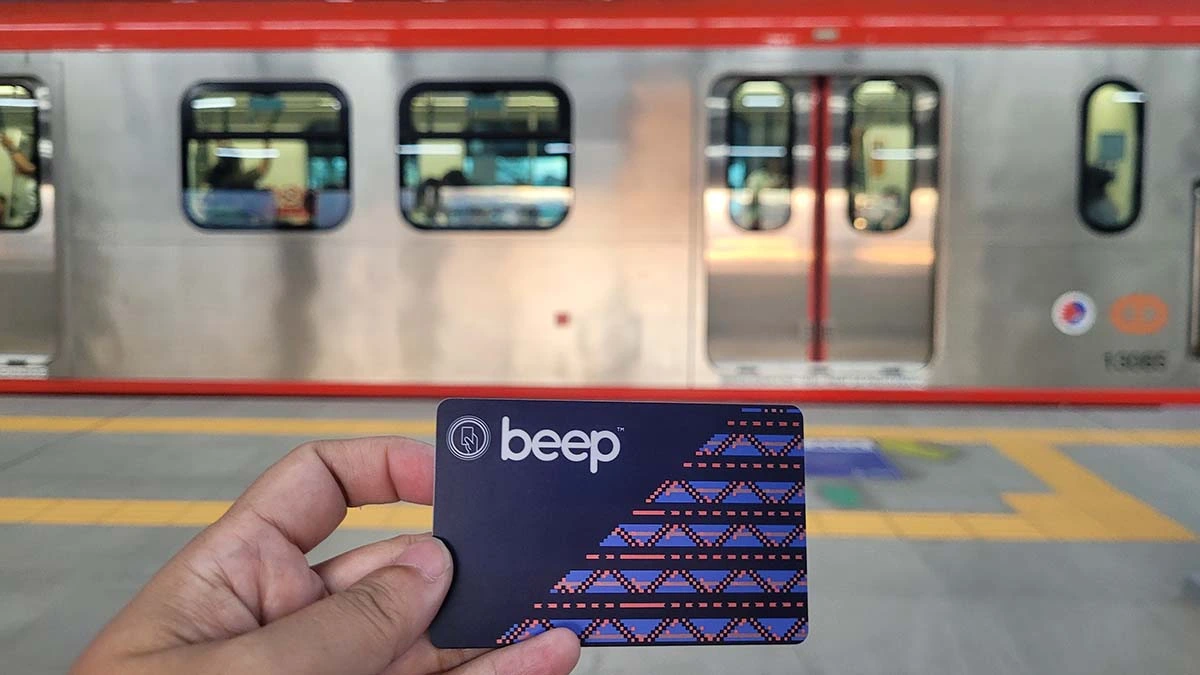
In the past, reloading a beep card required physically visiting a terminal station and paying in cash. But if you no longer carry cash on hand or want to minimize waiting in long lines, it’s good to know that you can now opt to pay through popular e-wallets like GCash, Maya and other digital banking partners before your trip.
In case you didn’t know, the beep card now has a new feature allowing most card users to reload their cards online using NFC-enabled phones. What is NFC, you might ask? NFC stands for Near Field Communication technology, which allows two devices—for instance, your phone and payment terminals like beep to support contactless payments. Most modern smartphones have this feature.
ALSO READ:
Beep Guide: Where to buy limited-edition cards
Beep Guide: How to apply for senior and PWD cards
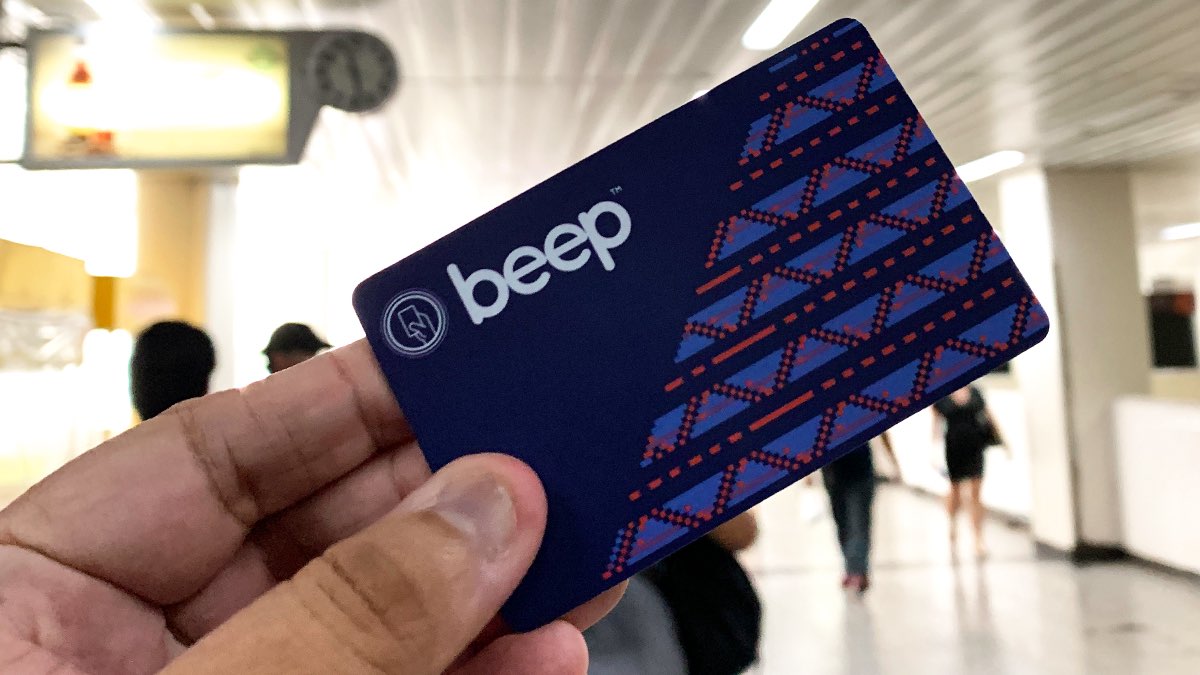
If you’re not sure if your phone is NFC-enabled, all you have to do is check your phone’s settings. On Samsung Android devices, you can browse through the settings app > connections > tap NFC and contactless payments. If you see an option for NFC there, just switch the tab to enable NFC payments.
To keep track of how much load you have, it’s best to install and use the beep app. From there, you can buy and fetch loads and pay through various payment methods including GCash, Maya, or over-the-counter payments.
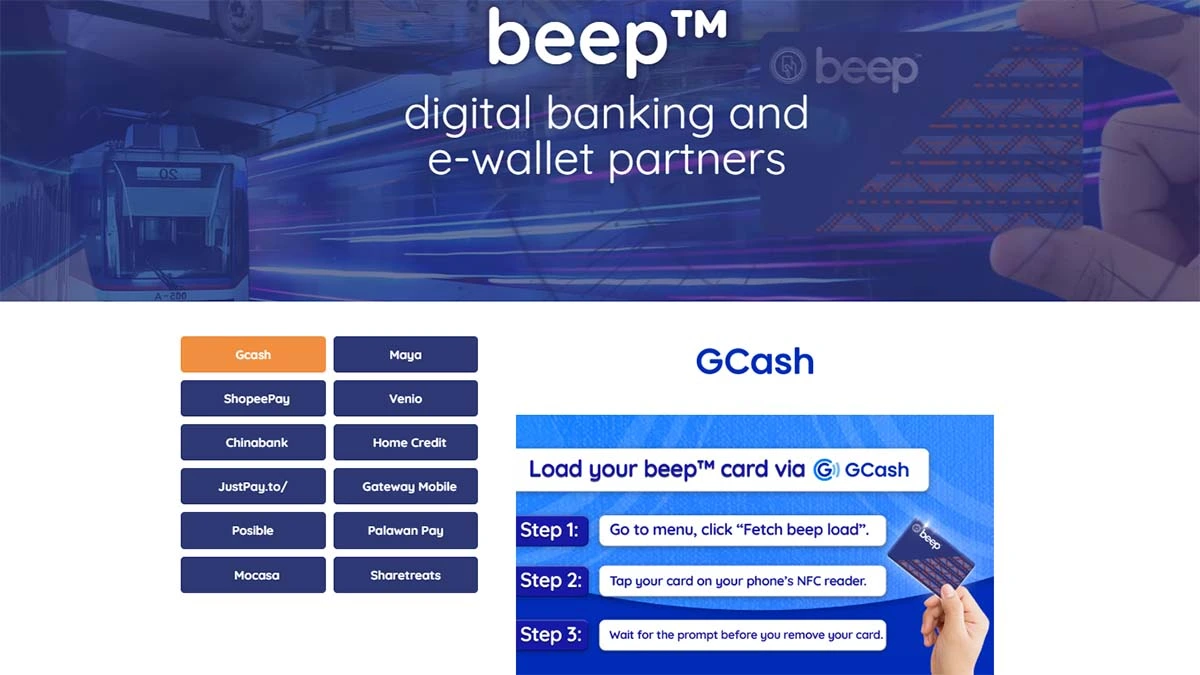
As shared by Beep on their official website, Over-the-air (OTA) reloading is available through OTA loading partners including GCash, Maya, ShopeePay, Venio, Chinabank, Home Credit, JustPay.to/, Gateway Mobile, Posible, PalawanPay, Mocasa and ShareTreats.
How can you check the balance of your beep card?
After successfully processing the beep load request in the OTA Partner’s app or website, you can proceed to any beep e-Load Station to officially transfer the load to your card. You can also fetch the load through the official beep app.
The beep app allows you to do real-time load balance checks, monitor your card transactions., purchase QR Ticketing, and earn rewards points on each commute which can be redeemed and converted to beep load. You can also reload and fetch load directly from the app using NFC-enabled or iOs phones.
- Use the beep app which is available in the Apple App Store or Google Play Store
- Establishments such as Ministop, Family Mart, Wendy’s, etc. that have Beep card readers
- In LRT and MRT stations by tapping the card reader of the Ticket Vending Machine (TVM) or approaching the teller window booths
- In Bus Terminals that have designated Beep windows or Beep booths.
How to reload a beep card via the beep app
- Open the beep app.
- Register your beep card on the Smartphone app.
- Click on the registered card or Load Unregistered Card.
- Select ‘Buy beep load.’
- Enter the amount you want to reload or choose from existing choices.
- Click the Continue button twice.
- From here you can choose the preferred payment method from the e-wallets and digital partners.
- Confirm your payment.
- Click the ‘Back to Merchant’ button.
- Follow the instructions on the screen to tap your beep card on the back of your smartphone.
- Note: You may be asked to enter the one-time PIN to a registered mobile number or email address to confirm the transaction
How to reload a beep card via GCash
Hassle-free loading of beep cards is now possible through the GCash app.
- Open the GCash app and select ‘Pay bills’
- Select ‘beep’ under the ‘Transportation’ category
- Input the amount and confirm.
To claim the actual load, use an NFC-enabled phone and follow the process:
- Go to the menu, click ‘Fetch beep™ load.’
- Tap your card on your phone’s NFC reader.
- Wait for the prompt before you remove your card.
ALSO READ:
The definitive guide to ride-hailing options in the Philippines
A guide to the car-free streets in Metro Manila during weekends
We tried the GCash top-up method recently and managed to reload a card with a few minor hiccups. While you’re presented with existing options: 50, 100, 150, 200, 300, 500, you can enter any amount to load. However, you’ll be charged a ‘convenience fee’ of P10 for every transaction regardless of the top-up amount.
You'll be asked to use the NFC to scan the card or input the card’s 16-digit card number manually, which can be found on the back of the card. Doing this was more straightforward than waiting for the NFC to scan. Make sure not to move the card while the transaction is in progress to prevent any errors.
While we’ve only tried reloading a beep card via GCash, there are other payment methods through digital banking and e-wallets including Maya, ShopeePay, Chinabank, and more. Here are the step-by-step methods for digital reloading based on Beep’s official website.
How to reload a beep card through the Maya app
- Open the ‘Maya’ App.
- Tap ‘Treats’ on the app homepage.
- Choose a beep™ card load package.
- Verify your purchase then ‘Continue.’
- Wait for a purchase confirmation ‘In-app.’
- Head over to a beep e-load station and tap your card to receive the load package
You can also purchase beep™ QR tickets using Maya
- Open Maya App and tap ‘Services.’
- Click on ‘Travel’ icon.
- Tap buy beep™ QR Ticket.
- Choose Operator and Route.
- Choose the Origin and Destination.
- Check ticket amount and confirm payment.
- Wait for the QR code which is only valid for 24 hours.
- Share or save QR code on your device
How to reload a beep card via ShopeePay
- In your ShopeePay page, tap the Scan icon.
- Place your camera over the entire QR code to start scanning and detect the code.
- Once scanning is successful, the payment details will be displayed. Tap the Next button to continue.
- Make sure your ShopeePay account has an available balance to complete the transaction. Review details and tap Pay Now button.
- Enter your ShopeePay PIN to complete the payment.
- Payment has been successful. Go back to the Beep app to load the amount into the beep card.
How to reload a beep card with Venio
- Download the venio app
- Register an account and purchase venio credits
- Redeem your venio credits to load your beep™ card
- Visit any nearest beep™ e-load station or SVU to update your card balance
How to reload a beep card via Chinabank
You can reload a beep card using your Chinabank ATM as shared in this video link.
- Insert your Chinabank ATM and enter your PIN.
- Choose beep transactions
- Choose beep load
- Choose the amount to reload. a fee of P10.00 will be charged per transaction.
- Tap and hold your beep card on the scanner.
- Get your ATM card once your transaction is done.
- Visit any nearest beep e-load station or SVU to update your beep™ card balance.
How to reload a beep card via HOME CREDIT
- If you have a credit line, you can reload your beep card via Home Credit.
- Tap bee (AF payments inc.) under transport category in Pay Bills or simply search for beep using search icon.
- Enter amount & account details, and click on save to continue.
- Confirm payment by entering the MPIN to complete the transaction.
How to reload a beep card via JustPay.to
- Process the payment using justpay.to/beep
- Go to a beep E-load Station and insert your card in the card slot.
- Wait for the beep load station to fetch and credit the load onto card.
- After successful reloading, the ‘new balance’ will be displayed.
How to reload a beep card via GATEWAY Mobile
- Check if you have P15 minimum Globe load balance before proceeding.
- Text BEEP <16-digit beep="" card="" number="">
and send it to 2346 (sample: BEEP 1234567891000000 20 send to 2346) - Proceed to any beep™ e-load station to fetch your load request.
How to reload a beep card via POSIBLE
- Go to the nearest POSIBLE outlet and bring your beep card
- Inform the POSIBLE retailer that you want to reload your beep card.
- Provide the exact amount you want to load and tap POSIBLE NEXT phone on your beep card.
- Pay for the transaction amount to be processed. You can also check your current balance with the POSIBLE Retailer.
How to reload a beep card via Palawan Pay
- Go to Pay Bills
- On the search bar type ‘beep’ and click the ‘beep’ icon
- Enter your beep card details then click ‘Pay now’
- Pay your load usign PalawanPay Wallet or PalawanPay points
How to reload a beep card via Mocasa app
- Launch the app and tap on ‘Buy Load’ section
- Select ‘Transport’ and tap on beep. Choose load amount.
- Upon check out, input your details and pay using Mocasa credit.
How to reload a beep card via SHARETREATS
- Visit https://sharetreats.ph/
Select Brand ‘BEEP.’
Click TREAT and Pay via GCash, Grabpay, Paymaya or Credit/Debit payment. - HOW TO REDEEM BEEP CODE:
Buy beep Load online using sharetreats.ph. - Customer shall receive the code via SMS, EMAIL, or IN-APP. 3. Customer shall access https://sharetreats.ph/beep to redeem the code.
- Customer shall input the 16-digit beep ID and the 9-Digit code then click the redeem button.
- After online redemption, customer must go to any beep e-Load station within 6 months and tap their beep card to update their balance.