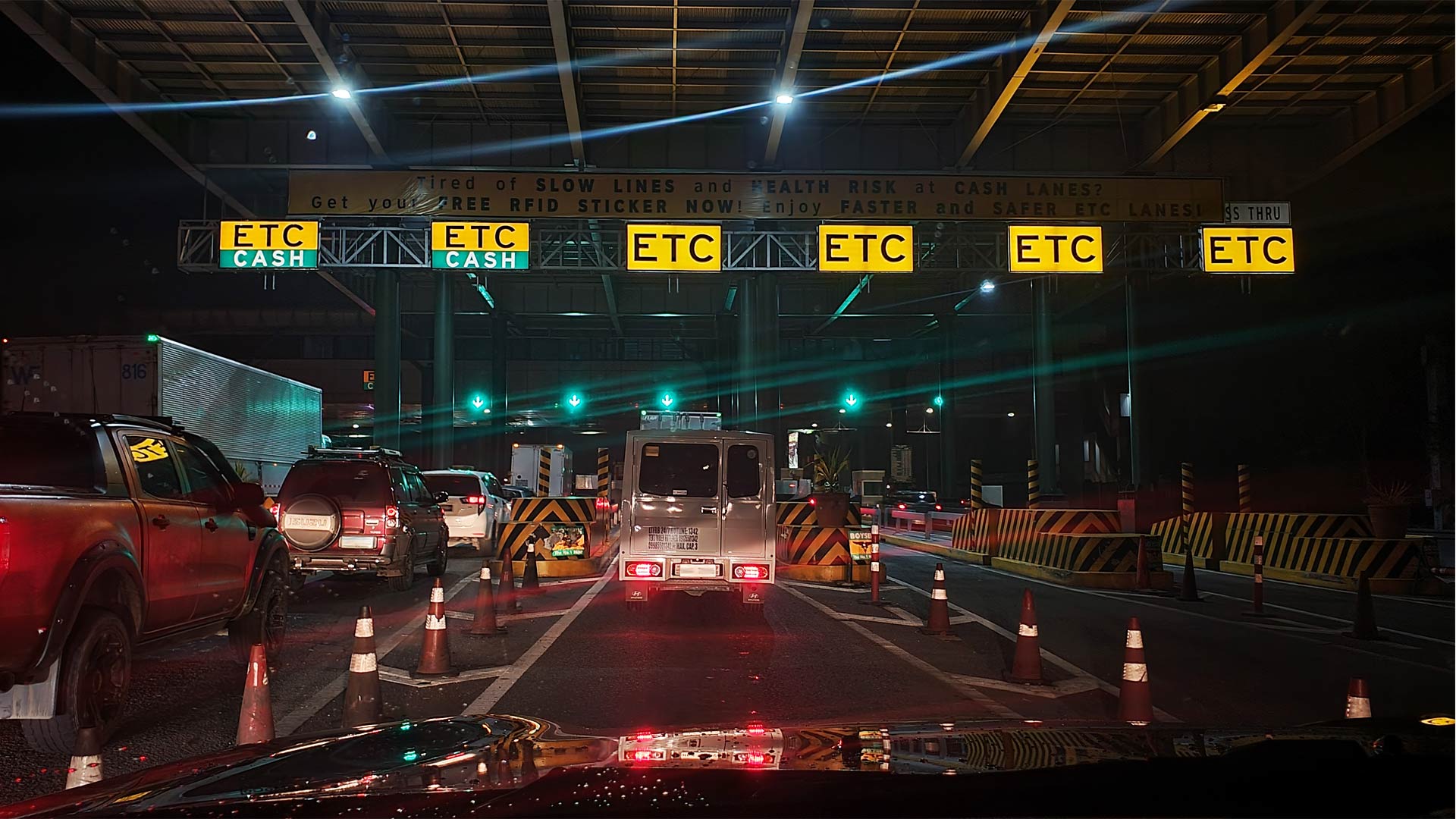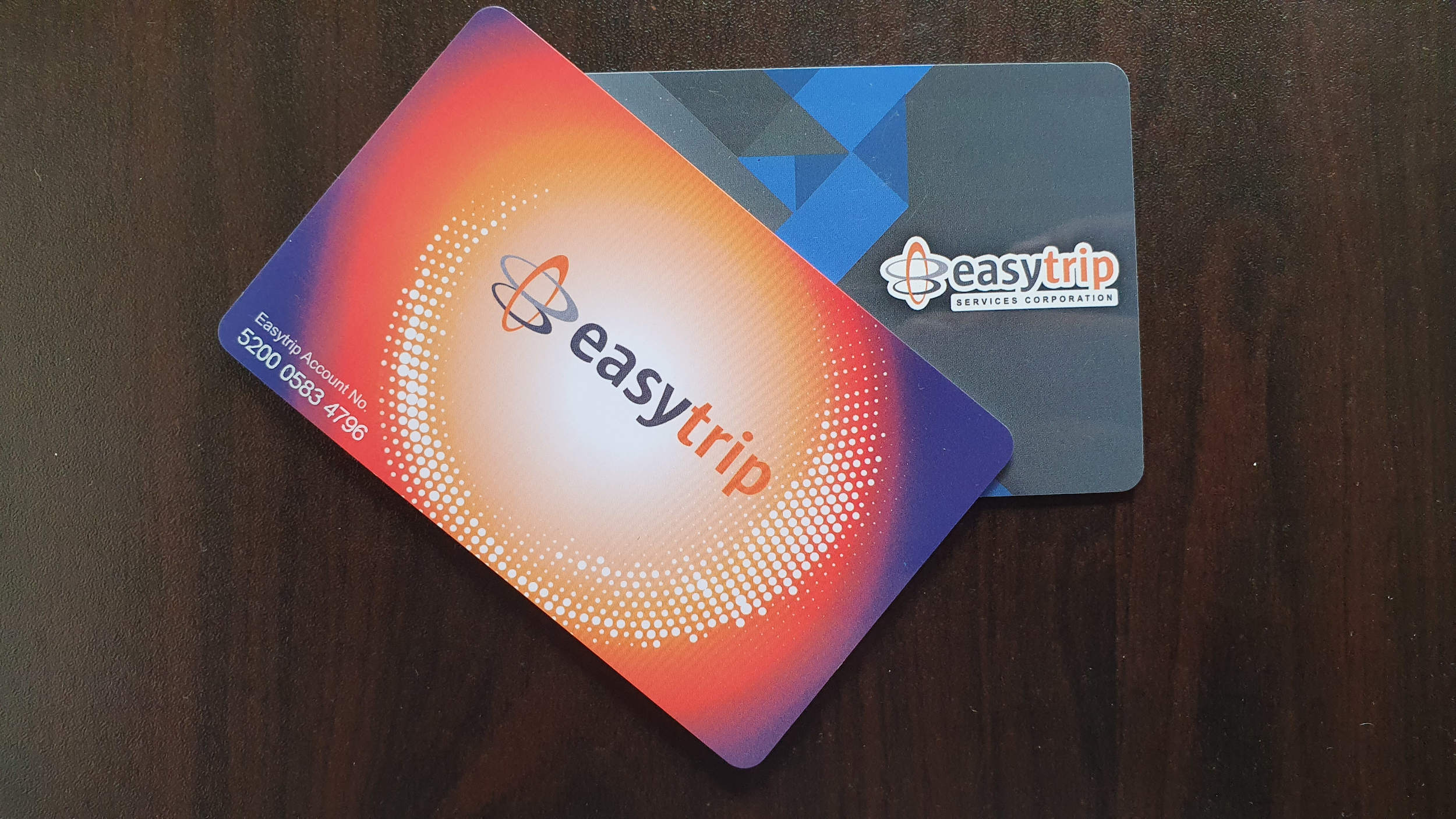
The Department of Transportation (DOTr) and Toll Regulatory Board (TRB) will once again attempt to implement an RFID-only policy on major tollways at the start of September. Remember the chaos that ensued back in October 2020? We do.
But it’s been nearly three years since, so things are a bit different now. Hopefully, there will be less confusion on which RFID is used for which tollway, and whether or not you can use Easytrip stickers on Autosweep-only expressways.
For our part, the best we can do is help educate motorists on anything RFID-related. We’re already done with our reloading guides for both Easytrip and Autosweep, so we can skip those. We also made a simple guide on Autosweep balance inquiry the last time out, so for this one, we’ll focus on how to check your Easytrip balance.
ALSO READ:
Everything you need to know about the dry run of the cashless toll collection system
Attending an event at the Philippine Arena? Check out this transport and survival guide
1) Quick Balance Inquiry via easytrip.ph
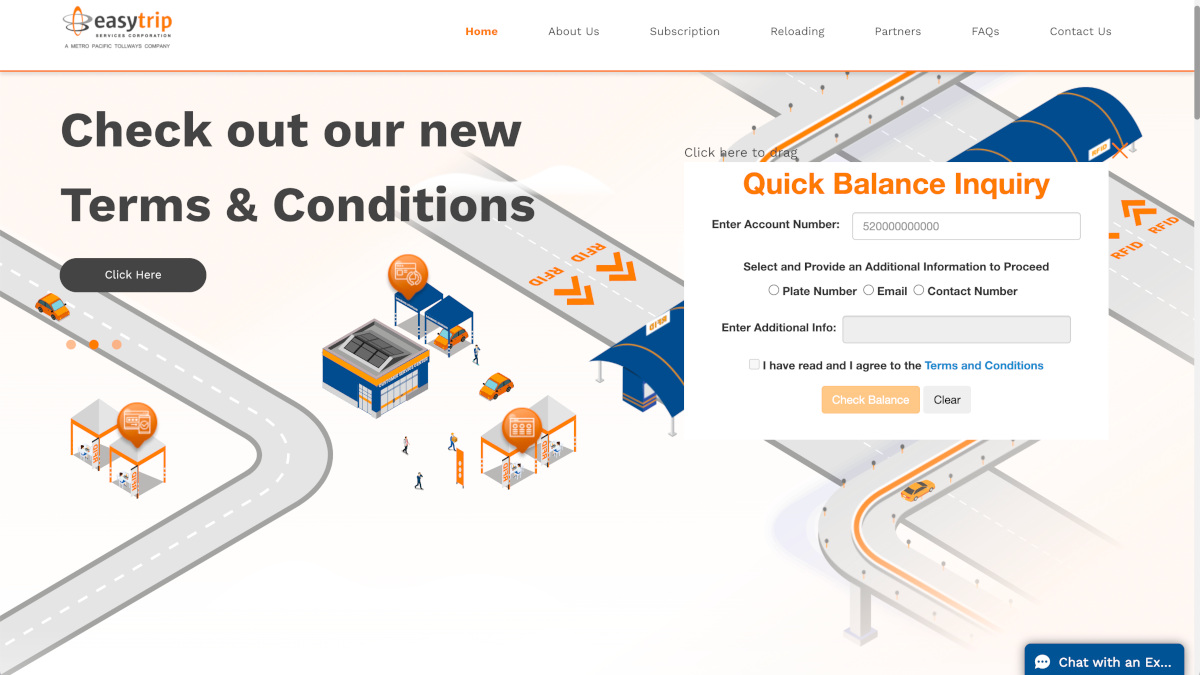
You simply head on over to easytrip.ph to perform a quick balance inquiry. To proceed with this, however, you should first register your RFID with Easytrip’s customer account management system (CAMS).
If you’ve already registered, then you’ll only need to input your account number and provide additional information such as your car’s plate number, your email address, or your contact number on the quick balance inquiry page.
2) SMS balance inquiry
This is by far the easiest and most straightforward way to check your Easytrip account’s current balance. You can simply text BAL
3) Using the MPT DriveHub app
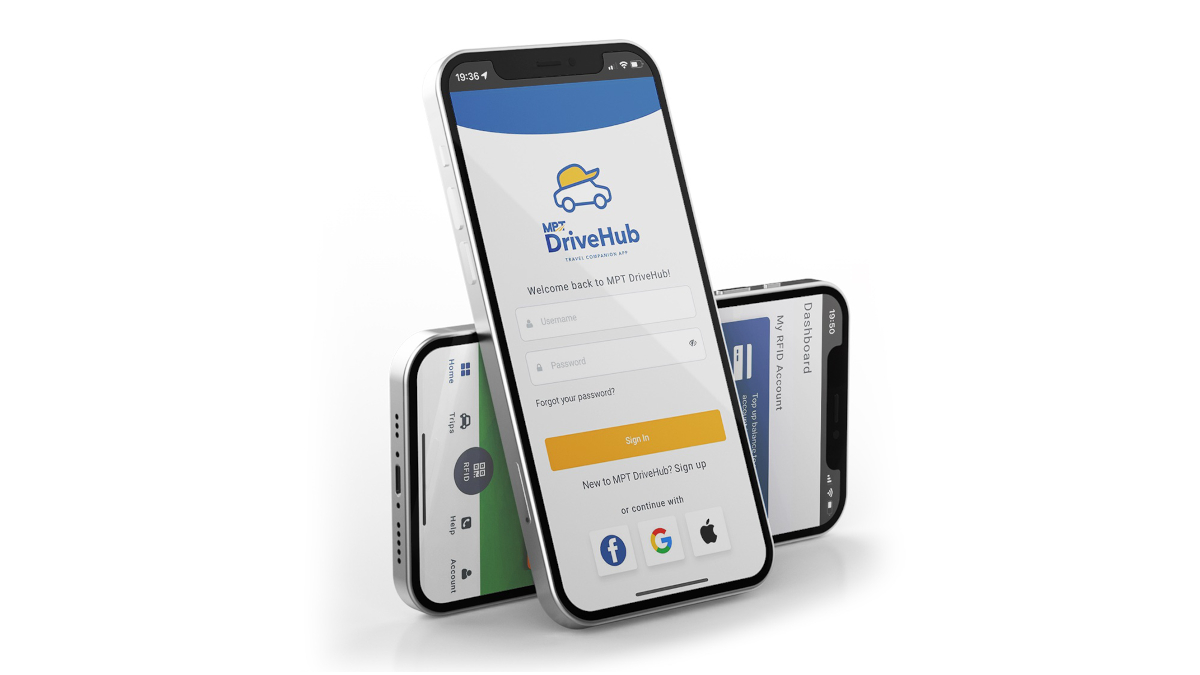
A while back, Metro Pacific Tollways Corporation (MPTC) launched an all-in-one app that caters specifically to Easytrip users. Among its many othe features, the app also enables users to perform balance inquiries.