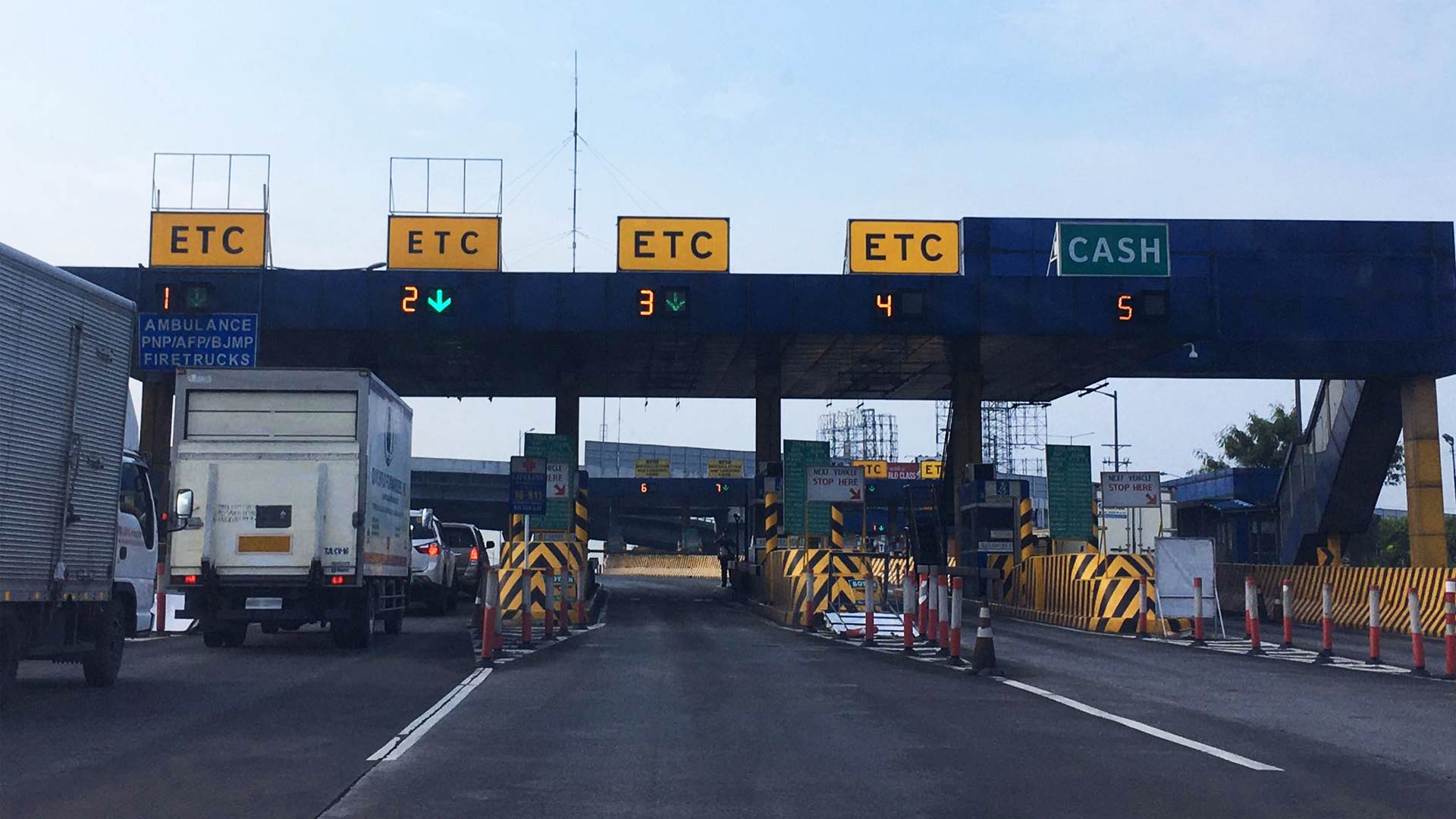
Beginning September 1, 2023, the Department of Transportation and local toll operators will renew their attempts to shift to a fully cashless toll collection system. Next month will only be the start of a dry run of this system at select toll plazas, with the goal of completing the transition to contactless toll payments by the end of 2024.
Which means all of us had best brush up on which expressways use Autosweep and which ones use Easytrip. And whether you opt for an interoperable RFID sticker that can be read at all toll plazas, you’ll still need to maintain two separate RFID accounts with sufficient balances. If you need a guide to reloading an Autosweep account, read all about that here. For everything you need to know about topping up an Easytrip wallet, click here.
But what if you just want to check how much load you have in your account? Let’s cover the ways to check your Autosweep balance—starting with the quickest way to do so.
1) Using ‘Quick-Balance’ on Autosweep RFID Mobile App
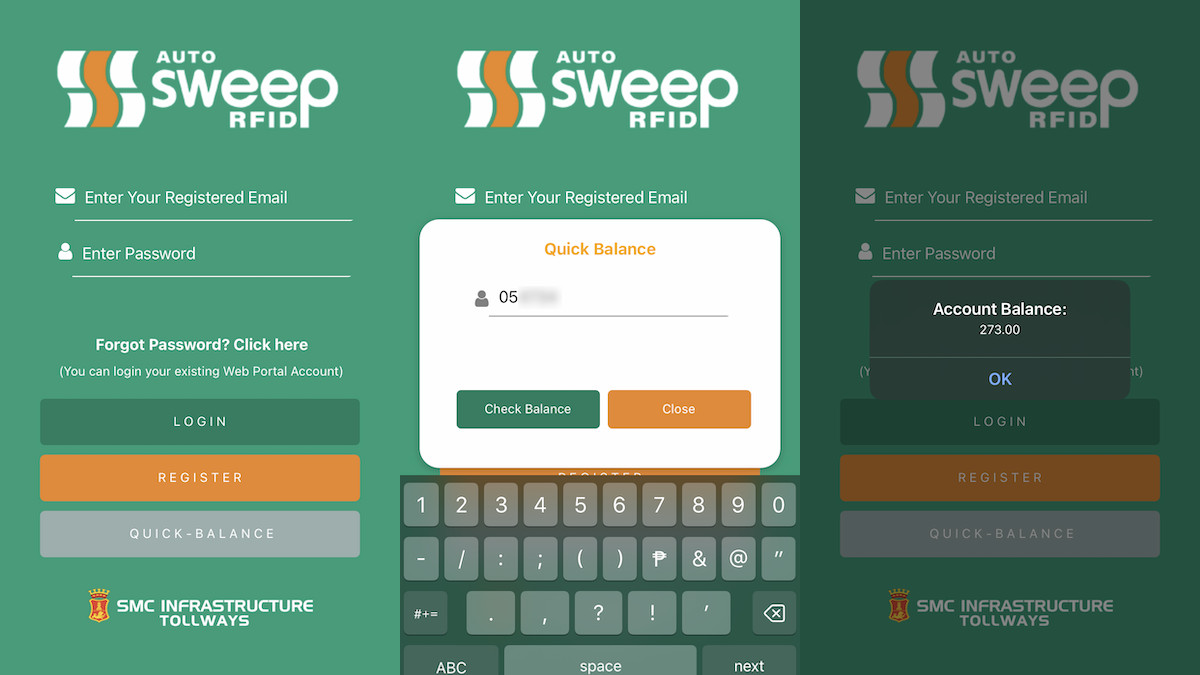
This is by far the easiest method, and it works whether you own the account or not (we know because we’ve been using it to check the RFID balance of test cars). Just download the Autosweep RFID Mobile App on the App Store or Google Play Store. On the main screen, click on ‘Quick-Balance’ and type in the account number. You’ll then get a pop-up message indicating how much load is in the account.
ALSO READ:
Advisory: Two-month dry run of cashless toll system starts on September 1
Here’s where to enroll Easytrip RFIDs for use on Autosweep-only tollways
2) Autosweep RFID Mobile App
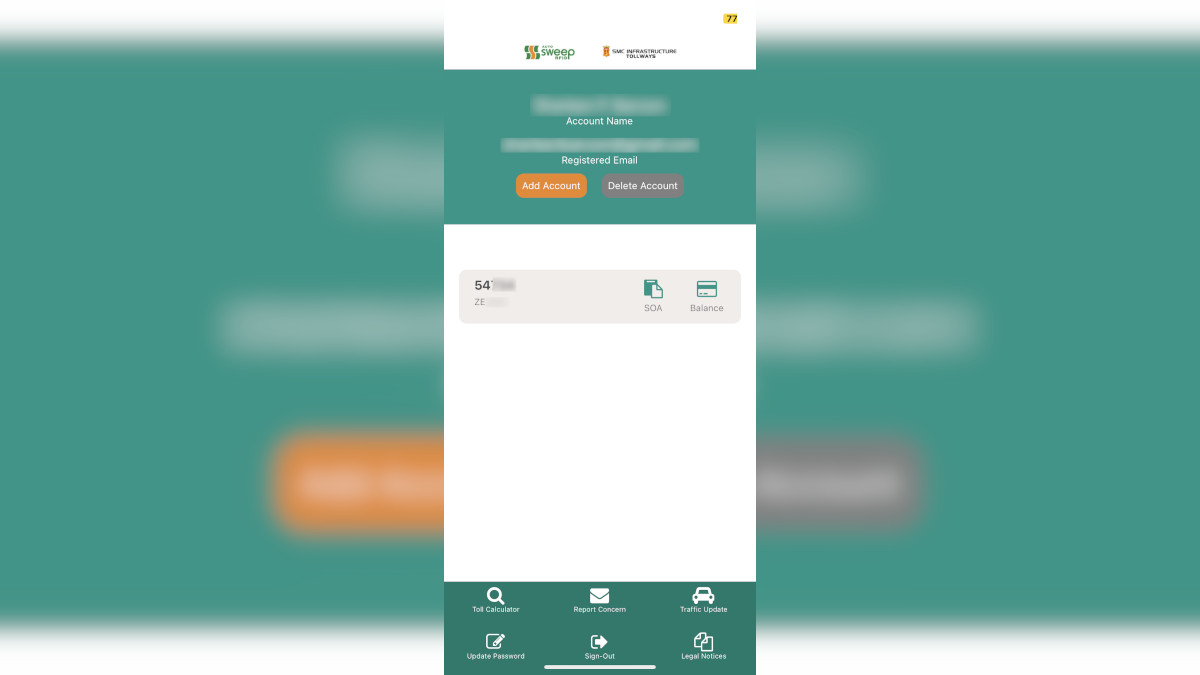
Once you have the app, you can register for an account or, if you already have one, log in via your Autosweep web customer portal credentials. Using the full app functionality allows you to add and keep track of multiple Autosweep RFID accounts. You can check the statement of account and, of course, the balance of each one. There’s also a handy in-app Toll Calculator and a Traffic Update feature.
3) Autosweep web portal
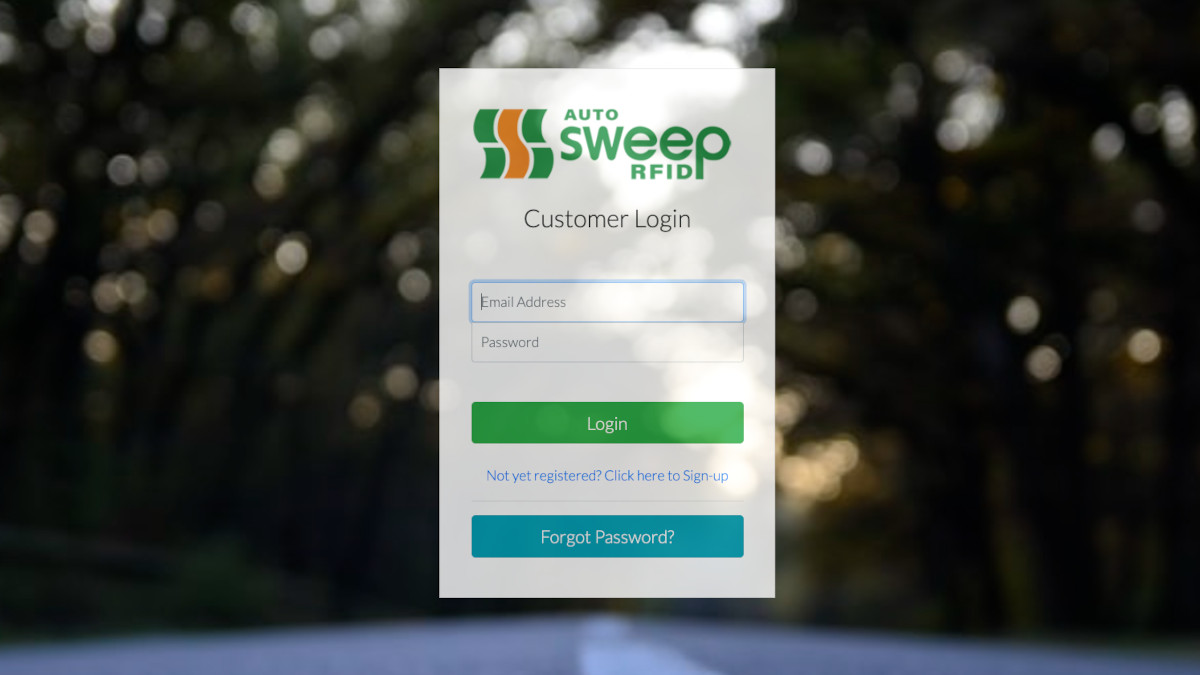
Access the website here, and register for an account. Sign in to check your balance and access your statement of account.
4) SMS balance inquiry
Depending on the type of account you have, type:
- Autosweep To-Go account: Autosweep
BALINQ Autosweep To-Go card number - Autosweep Premium accounts: Autosweep
BALINQ plate number
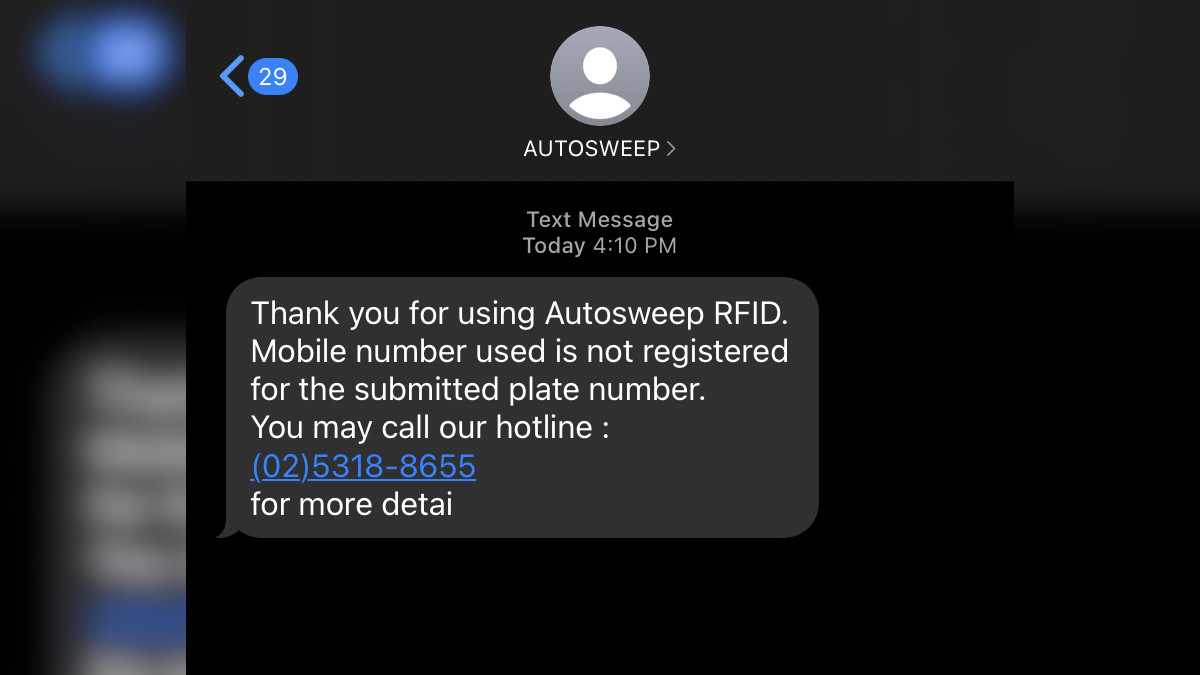
Send to (+63917) 860-8655 for Globe subscribers or (+63918) 860-8655 for Smart subscribers. Just a heads-up: This won’t work if the mobile number you’re using for the inquiry is not the one tied to your Autosweep account.