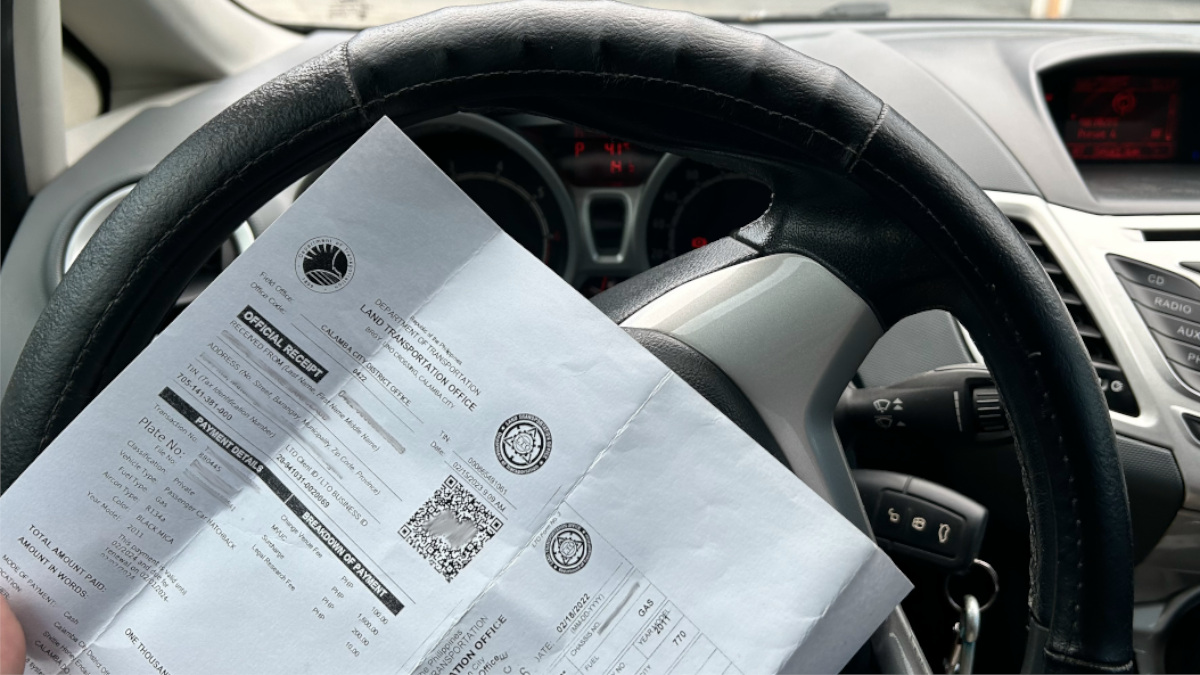
Last year, the Land Transportation Office (LTO) announced that motor vehicle registration renewals could finally be done online. The catch, though, was that you’d have to have your vehicle tested at a Private Motor Vehicle Inspection Center (PMVIC) first to be eligible for online transactions the year after.
Well, it’s already “the year after,” and I had just renewed my vehicle’s registration myself, and I was finally able to try out the online transactions. I’ll walk you through the process. And mind you, I didn’t exactly have to jump through hoops.
ALSO READ:
Explainer: How to register e-bikes and other light electric vehicles with the LTO
What’s it like to renew your LTO driver’s license in 2023?
1) Check if your vehicle is already listed in your LTMS account.

At this point, you should already have a Land Transportation Management System (LTMS) account. Here’s a guide if you haven’t yet or in case you run into some registration issues. Log into the portal, click ‘Vehicle’ on the home screen, and check if the vehicle whose registration you intend to renew is already in the dropdown menu. If it is, then proceed to the next steps. If not, you’ll have to register your vehicle the old-fashioned way first and wait until next year to go online.
2) Bring your car to a PMVIC for inspection.
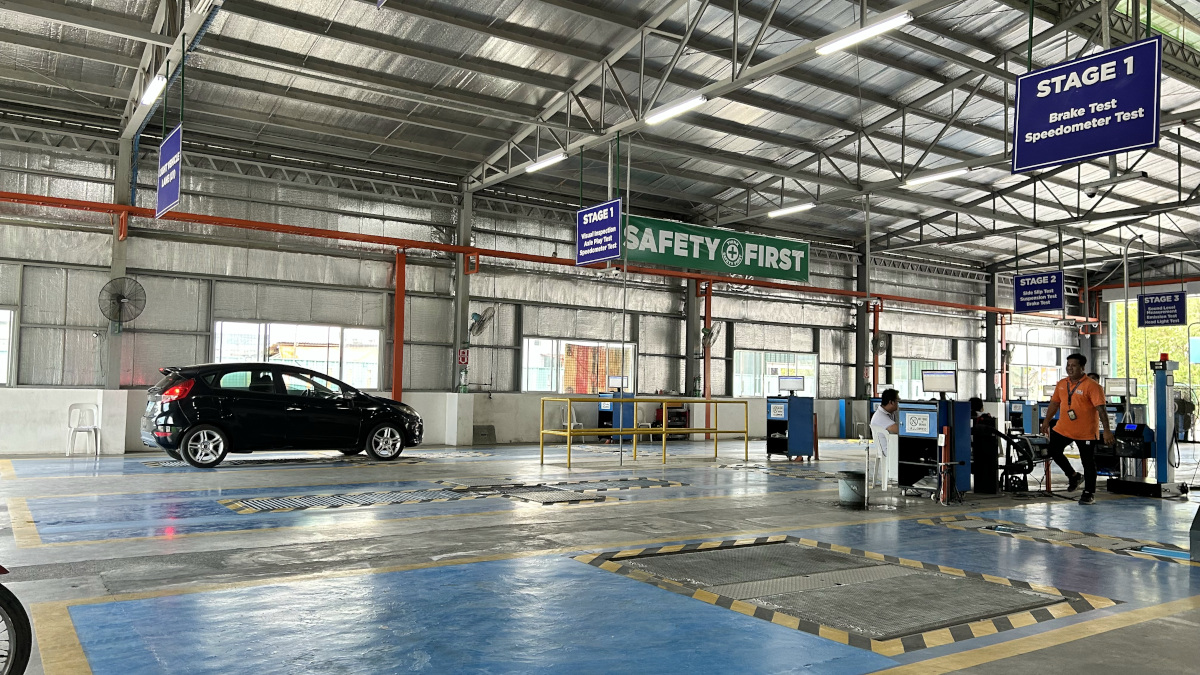
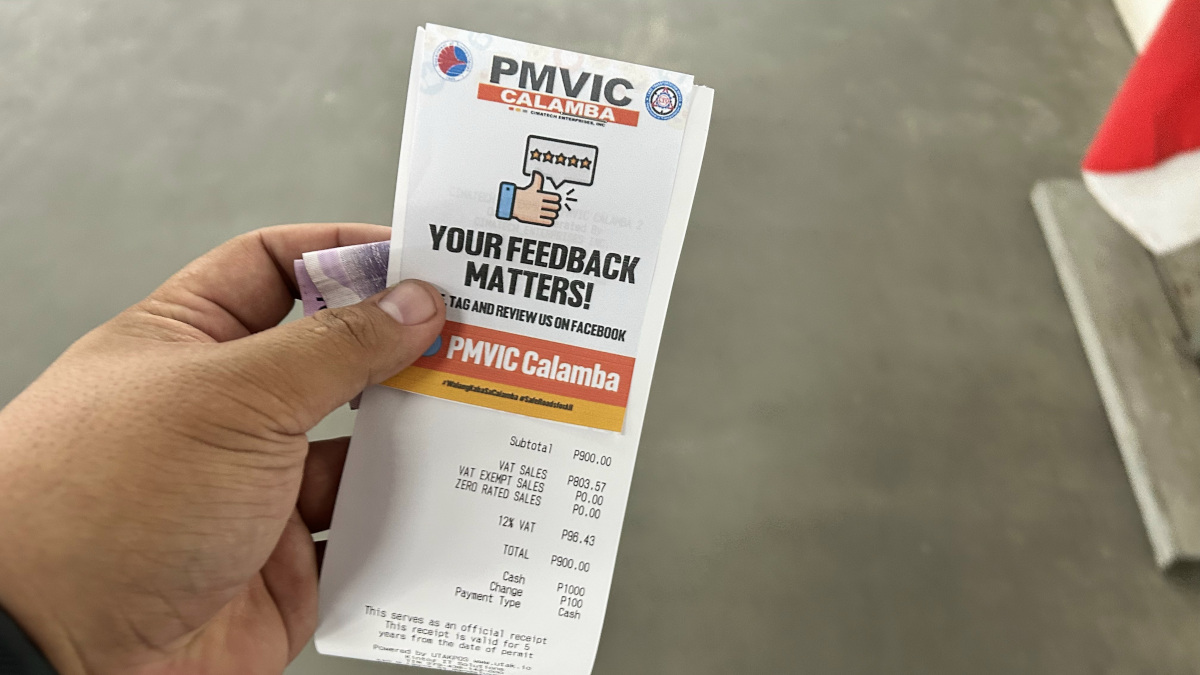
The registration process is, in fact, now online, but that doesn’t mean you no longer need to bring in your car for inspection. On the contrary, it’s just the same as the previous year. Drive your car to a PMVIC near you, have it undergo inspection, pay the necessary fees, and get the receipts and all other important documents once it’s done. Pro tip from me, though: Don’t forget to bring cash. The inspection at the PMVIC I went to cost me P900.
After this, the PMVIC will transmit the documents to the LTO’s online system, and your inspection results should already be reflected in your account. Assuming your vehicle passed the inspection, then you can proceed to the next steps.
3) Secure CTPL insurance for your vehicle.
After you’re done with the motor vehicle inspection (or before you do it, you do you), you should apply for compulsory third-party liability (CTPL) insurance. But if your vehicle already has comprehensive insurance, then you can skip this one.
As with the PMVIC inspection results, the insurance company you get the CTPL from should already be able to transmit the certificate of cover to the LTO’s system and after which, it should already be reflected in your account.
4) Log into the LTMS portal and verify your documents.
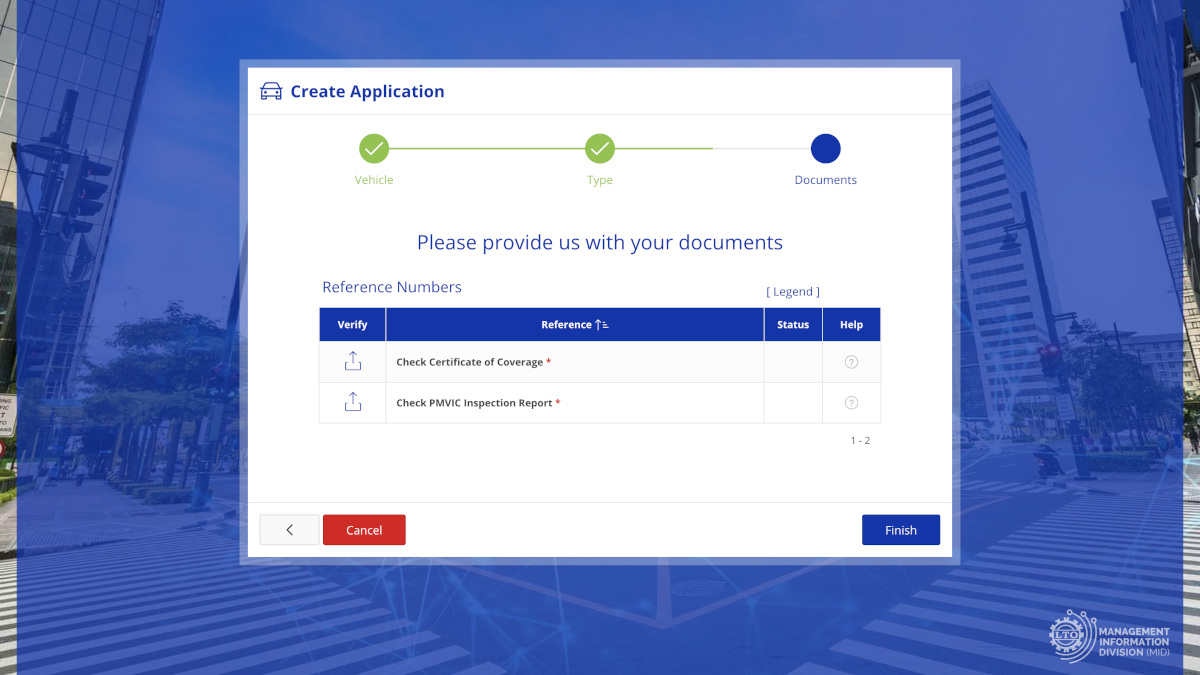
After you’re done with inspection and insurance, you can already head out and finish the registration elsewhere. Instead of having to line up at the LTO office, you can complete the renewal process online.
Log into the LTMS portal again and return to the ‘Vehicle’ menu. There should already be documents uploaded onto the ‘Check Certificate of Coverage’ and ‘Check PMVIC Inspection Report.’ Verify the documents in your account by making a few clicks, and that should do it.
5) Pay the remaining fees online.
The only thing left to do now is to settle the remaining fees. You can do this through the ‘Transactions’ menu. After you’ve selected the transaction for the MV registration renewal, you can select a mode of payment. Whichever you choose, it’ll come with a corresponding convenience fee as well as added costs depending on the total transaction value. In my case, I chose to pay via GCash.
6) Get the new and updated OR from the LTO portal.
Once the transaction is completed, you’ll be able to access a copy of your new official receipt (OR) which you can print and keep inside your vehicle at all times. This document will also be accessible at any time through the LTO portal.
Once you’ve done all these, then you’re good to go.